58
English
CD Operation
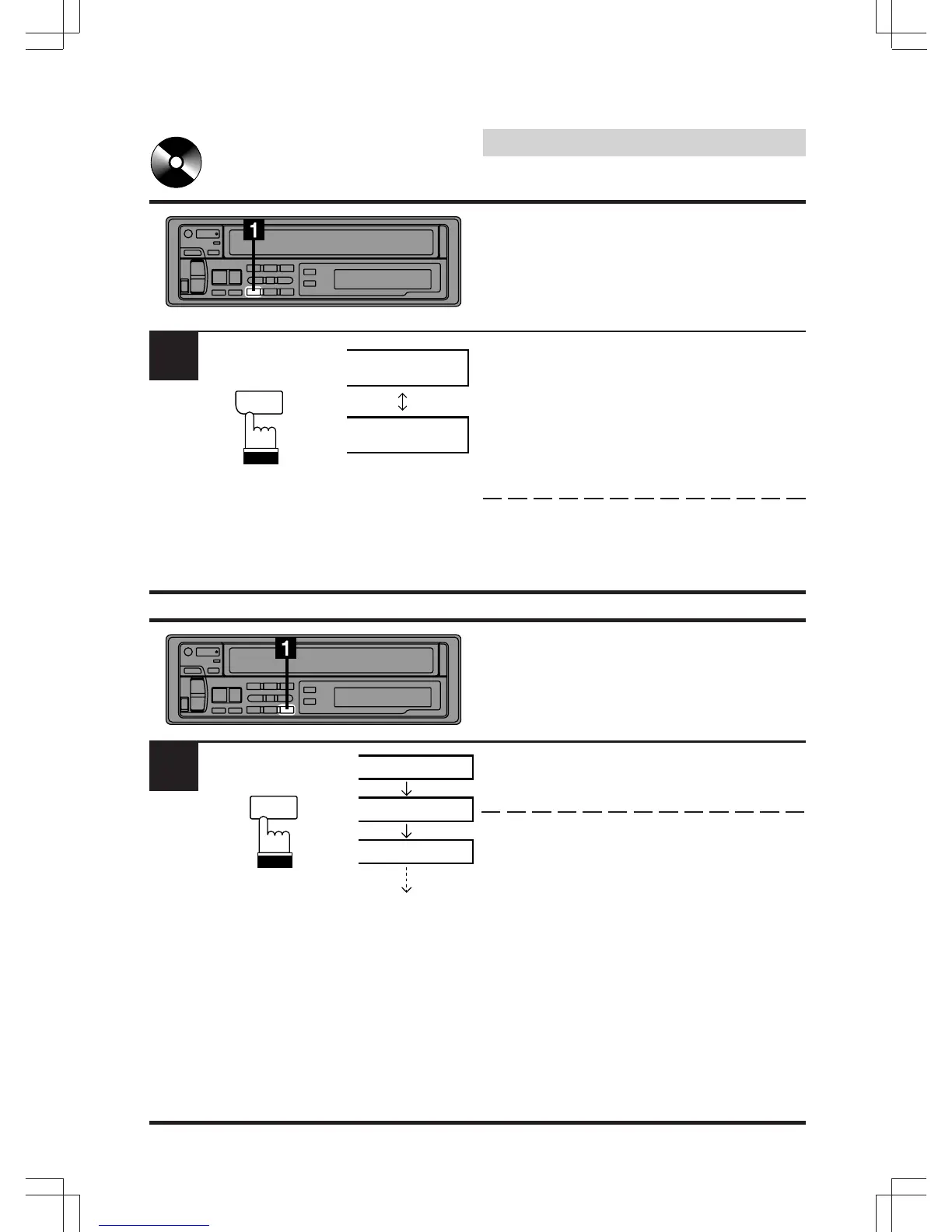
M.I.X. (Random Play)
Press the M.I.X. button in the play or pause
mode. The M.I.X. indicator will illuminate and
the tracks on the disc will be played back in a
random sequence. After all the tracks on the
disc have been played back once, the player
will begin a new random sequence play until
the M.I.X. mode is canceled.
To cancel M.I.X. play, press the M.I.X. button
again.
Scanning Programs
Press the SCAN button to activate the Scan
mode. The first 10 seconds of each track will be
played back in succession.
To stop the Scan, press the SCAN button to
deactivate the Scan mode.
CT
M.I.X.
4
1
M
6SCAN
T01
T02
SCAN
SCAN
T03 SCAN
1
M.I.X.


 To Next Page