68
English
CD Operation
English
Clock Operation
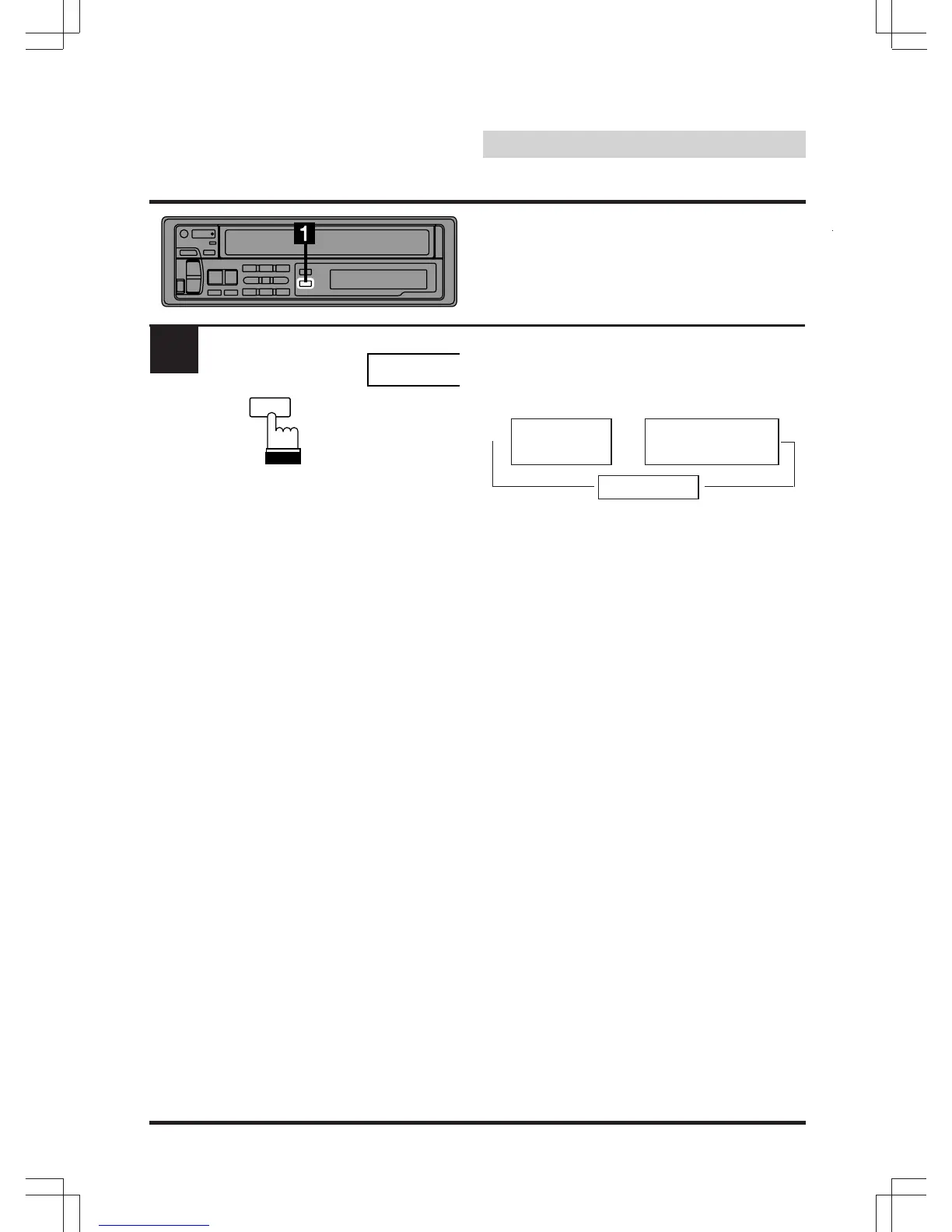
1
12:00
CLK
TITLE
Displaying Time
Press the CLK (Clock) button repeatedly until
the clock time is displayed. Each press changes
the modes as follows:
Note: Selecting any tuner or CD function while
in the clock mode will interrupt the time
display momentarily. The function
selected will be displayed for about 5
seconds before the time returns to the
display. The time will be displayed even
with power to the head unit turned off, as
long as the ignition key is on.
Clock Priority
mode
Station Title mode
or CD Title mode
→
→
Normal mode
→


 To Next Page