22-EN
Controlling USB memory (Optional)
A USB memory may be connected to this unit. With a USB memory
connected to this unit, the USB memory will be controllable from this
unit.
• The controls on this unit for USB memory operation are operative
only when a USB memory is connected.
Playing MP3/WMA/AAC Files with the
USB memory (Optional)
If you connect a USB memory containing MP3/WMA/AAC, you can
play these files on this unit.
1
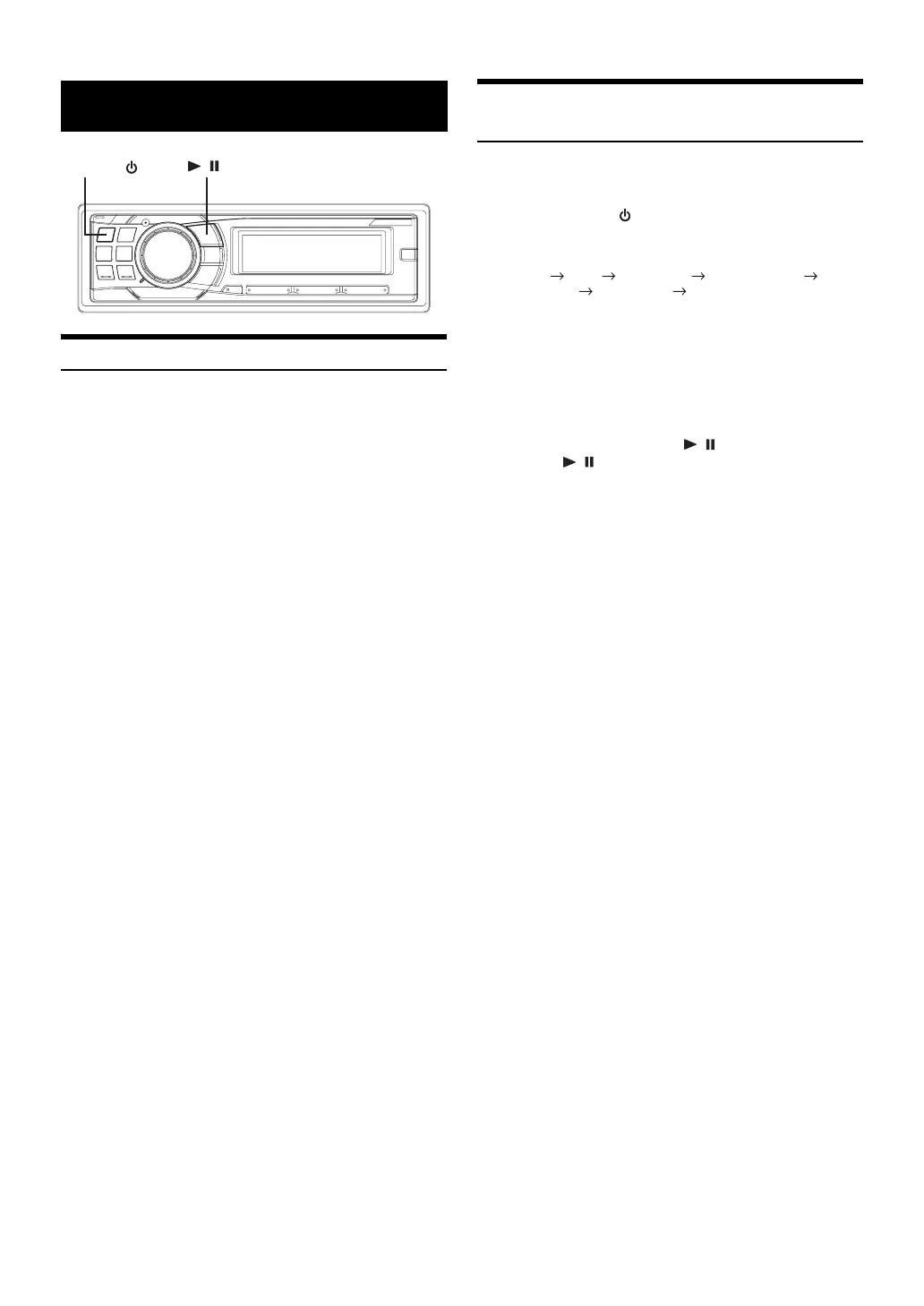
Press SOURCE/ to switch to the USB AUDIO
mode.
The mode will change every time the button is pressed.
TUNER DISC USB AUDIO
iPod*
1
/ AUX+*
2
BT AUDIO*
3
CHANGER*
4
TUNER
*
1
Displayed only when the iPod is connected and AUX+ SETUP is set
to OFF, refer to “Setting the AUX+ SETUP Mode” (
page 21).
*
2
Displayed only when the AUX+ SETUP is set to ON, refer to “Setting
the AUX+ SETUP Mode” (
page 21).
*
3
Only when BLUETOOTH IN is set to ADAPTE, refer to “Setting the
Bluetooth Connection” (
page 19).
*
4
Only when the CD changer is connected.
2
To pause playback, press / .
Pressing / again will resume the playback.
• The root folder is displayed as “ROOT” in the Folder Name Search
mode.
• This unit plays back files on a USB memory device with the same
controls and modes as playback of CDs containing MP3/WMA/AAC.
For details, refer to “CD/MP3/WMA/AAC” on
pages 11 to 14.
• Before disconnecting USB memory, be sure to change to another
source or set to pause.
• The playback time may not be correctly displayed when a VBR
(Variable Bit Rate) recorded file is played back.
USB memory (Optional)
SOURCE/
/



 To Next Page