14
01.04CDE171R-QRG.fm
ALPINE CDE-171R 68-21627Z69-A (EN/DE/FR)
Searching for a desired Song (iPod/iPhone) / Suche nach einem gewünschten Titel (iPod/iPhone) / Recherche
d’un morceau souhaité (iPod/iPhone)
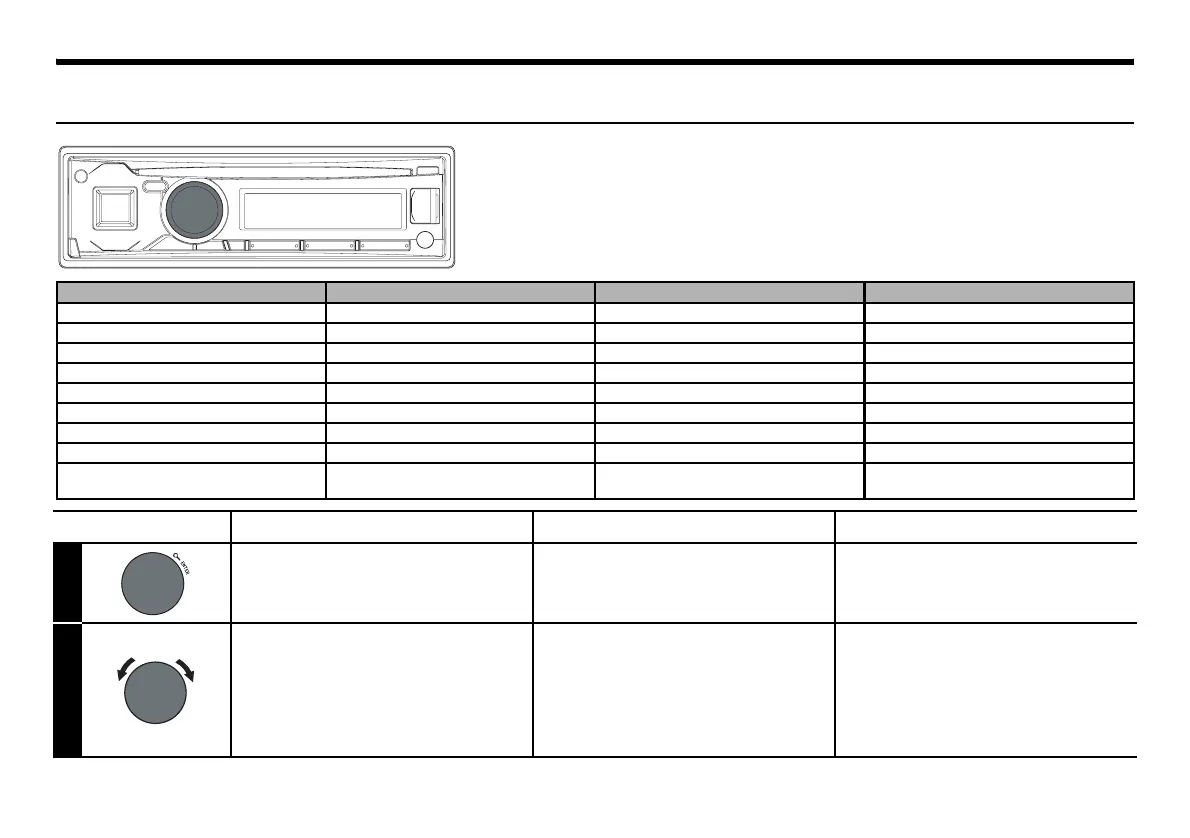
Hierarchy 1/Hierarchie 1/Hiérarchie 1 Hierarchy 2/Hierarchie 2/Hiérarchie 2 Hierarchy 3/Hierarchie 3/Hiérarchie 3 Hierarchy 4/Hierarchie 4/Hiérarchie 4
Playlist/Playlist/Liste d’écoute Song/Titel/Morceau — —
Artist/Interpret/Artiste Album/Album/Album Song/Titel/Morceau —
Album/Album/Album Song/Titel/Morceau — —
Song/Titel/Morceau — — —
Podcast/Podcast/Podcast
Episode/Episode/Épisode
——
Genre/Genre/Genre Artist/Interpret/Artiste Album/Album/Album Song/Titel/Morceau
Composer/Komponist/Compositeur Album/Album/Album Song/Titel/Morceau —
Audiobook/Audiobook/Livre parlé — — —
Genius Mix list/Genius-Mix-Liste/
Liste Genius Mix
———
English Deutsch Français
1
Activate the search selection
mode.
Aktivieren des Suchmodus. Activez le mode de sélection
de recherche.
2
Select the desired search
mode.
PLAYLIST/ARTIST/ALBUM/SONG/
PODCAST/GENRE/COMPOSER/
AUDIOBOOK/GENIUS MIX
• The display of search mode list varies depending
on the setting of iPod LIST.
Wählen Sie den gewünschten
Suchmodus.
PLAYLIST/ARTIST/ALBUM/SONG/
PODCAST/GENRE/COMPOSER/
AUDIOBOOK/GENIUS MIX
• Das Display der Suchmodus-Liste variiert je
nach Einstellung von iPod LIST.
Sélectionnez le mode de
recherche de votre choix.
PLAYLIST/ARTIST/ALBUM/SONG/
PODCAST/GENRE/COMPOSER/
AUDIOBOOK/GENIUS MIX
• L’affichage de la liste du mode de recherche
dépend du paramètre défini dans iPod LIST.
01.00CDE171R-QRG.book Page 14 Wednesday, September 19, 2012 10:26 AM


 To Next Page
 Loading...