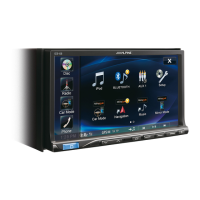
ALPINE ICS-X7 68-21057Z37-A (EN)
6-EN
Owner’s manual Radio, RDS
Radio Operation
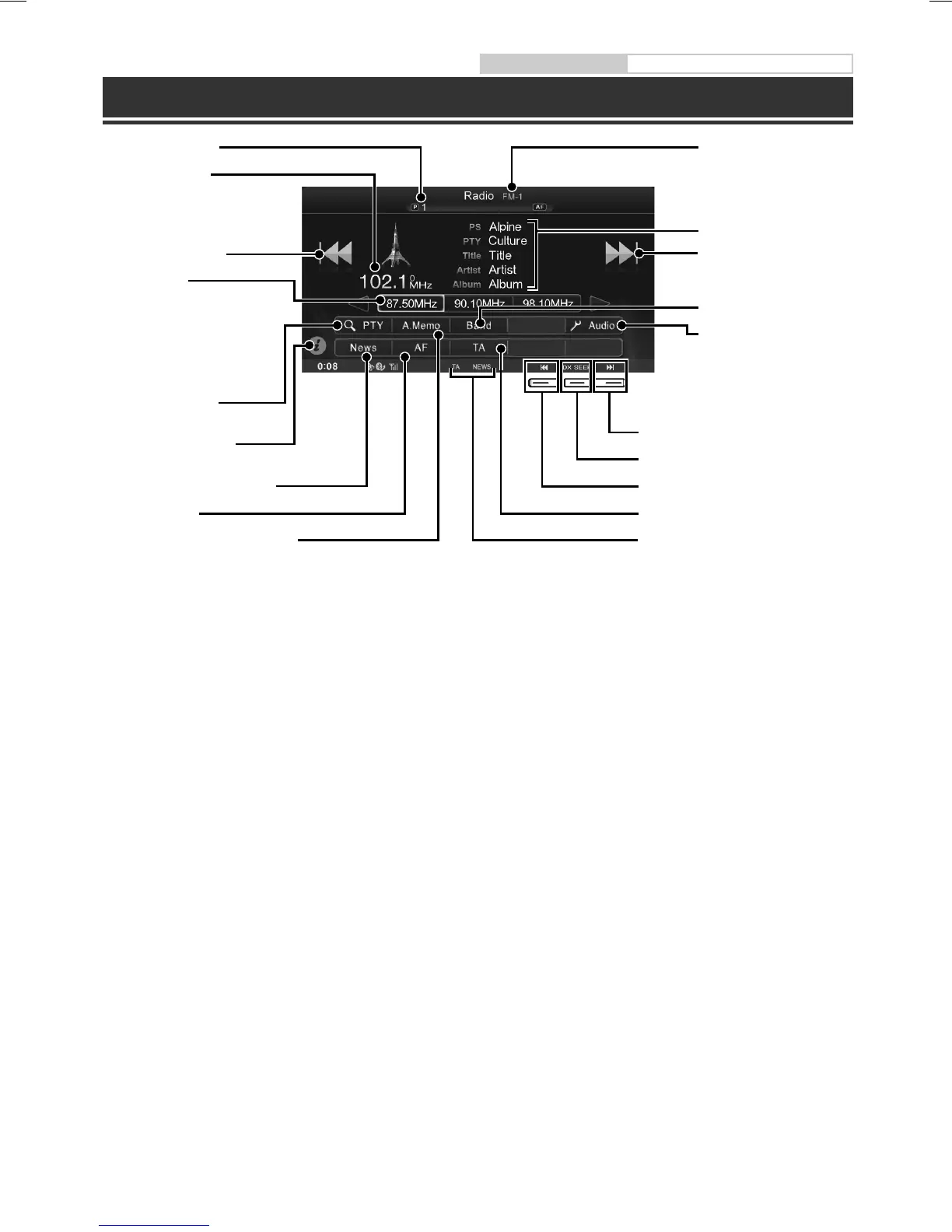
Preset No. Indicator
Frequency display
Decreases frequency
Preset button
Displays the preset stations with
a short touch.
Touch for at least 2 seconds to
memorise the current station as
a preset station.
Displays Select PTY
screen
The screen changes to
Simple mode or Info mode
PRIORITY NEWS mode On/Off
AF mode On/Off
Memorises stations automatically RDS indicator
Band display
Switches band
Increases frequency
Info area
Increases frequency
Changes tuning mode
Decreases frequency
Traffic Information mode On/Off
Displays the Audio Setup
screen
Search
For exam
1 To
2 To
3 To
iPod
An iPod/i
video-cap
Audio
Random Pl
Displays th
Finds the b
current file
file within o
playback st
when touch
seconds
The screen
Simple mo
Finds begi
n
Playlist/Art
Genre/Com
Finds begin
Album/Pod
Search scre
Direct swit
Artwork di



 To Next Page
 Loading...