66-EN
01GB05INE-W947E.fm
ALPINE INE-W947E 68-24567Z10-A (EN)
Playback
1
Press the (AUDIO) button.
2
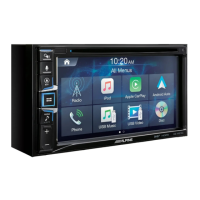
Touch [USB] of Top banner.
The USB mode is activated and the display changes to the
USB screen.
3
Touch [] or [] or to select the desired track
(file).
Returning to the beginning of the current track (file):
Touch [].
Fast reverse :
Touch and hold [].
Advancing to the beginning of the next track (file) :
Touch [].
Fast forward :
Touch and hold [].
4
To pause playback, touch [ / ].
[>] is displayed in the middle of the screen.
Touch [>/ll] again or touch [>] in the middle of the screen to
start playback.
• Any file protected by DRM (Digital Rights Management) copy
protection, cannot be played back on this unit.
• The playback time may not be correctly displayed when a VBR
(Variable Bit Rate) recorded file is played back.
• If there is tag information, artist name/album name/track name is
displayed.
• ID3 tag/WMA tag
If an MP3/WMA/AAC file contains ID3 tag/WMA tag information,
the ID3 tag/WMA tag information is displayed (e.g., song name,
artist name, and album name).
• If the combined number of files/folders in the USB memory devices
reaches 10,000, the message “The system has reached its limit of
recognisable files/folders from the USB device.” will be displayed. To
delete the message, remove the USB memory devices.
Repeat Play
Operation differs depending on whether the most recent song search
was a Tag Search or a Folder/File Search.
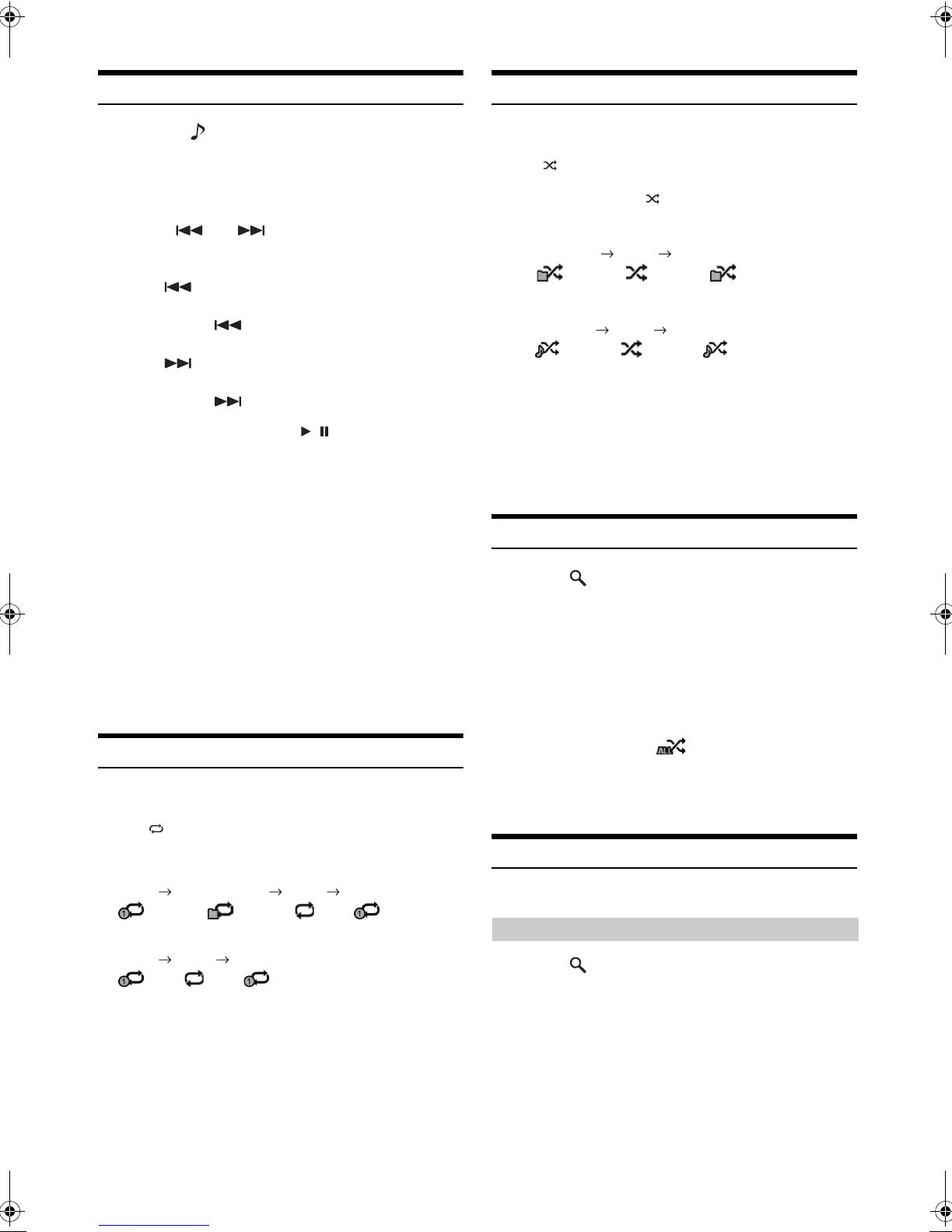
Touch [] during playback.
The repeat mode switches every time the button is touched.
Folder/File Search mode:
Tag Search mode:
* Only files in a folder are repeatedly played back.
• If the Repeat Play mode is activated during M.I.X. playback, the
M.I.X. mode will be cancelled.
Random Play (M.I.X.)
Operation differs depending on whether the most recent song search
was a Tag Search or a Folder Search.
Touch [] during playback.
The tracks (files) on the disc will be played back in a random sequence.
To cancel M.I.X. play, touch [].
Folder Search mode:
Tag Search mode:
*
1
Only files in a folder are played back in random sequence.
*
2
M.I.X. Songs randomly plays back songs within a selected category
(playlist, album, etc.). The songs within the category are played just
once until all songs have been played.
• If the M.I.X. mode is activated during Repeat playback, the Repeat
Play mode will be cancelled.
• If you select a track by using the search mode, the M.I.X. play mode
will be cancelled.
Random Play (M.I.X. ALL)
1
Touch [ (Search)] of Bottom banner during
playback.
The search mode is activated.
2
Touch [Music].
The category name list screen is displayed.
3
Touch [Shuffle All] during playback.
The tracks (files) on the disc will be played back in a
random sequence.
To cancel M.I.X. play, touch [].
• All songs in the USB memory are played back in random sequence.
Any one song does not play back again until all songs have been
played back.
Searching for a Desired Song
INE-W947E can carry out 2 kinds of searches.
1
Touch [ (Search)] of Bottom banner during
playback.
2
Touch [Music].
The search mode is activated.
3
Touch [Folders].
The folder name list screen is displayed.
Repeat Repeat Folder* (OFF) Repeat
Repeat (OFF) Repeat
M.I.X. Folder*
1
(OFF) M.I.X. Folder*
1
M.I.X. Songs*
2
(OFF) M.I.X. Songs*
2
File/Folder Name Search
01GB00INE-W947E.book Page 66 Tuesday, April 9, 2013 1:33 PM


 To Next Page