9
Español
Français
English
BASIC OPERATION/FONCTIONNEMENT DE BASE/FUNCIONES BÁSICAS
Para ajustar el modo BASS COMP.
1. Pulse el botón MODE / hasta que el mensaje
“COMP.” aparezca en la pantalla.
2. Pulse el botón ENT dos veces.
3. Gire el codificador rotatorio hasta que el mensaje “ON”
aparezca en la pantalla.
4. Pulse el botón ENT.
Para ajustar TIME CORRECTION (CORRECCIÓN DE
TIEMPO):
1. Pulse el botón MODE / hasta que el mensaje
“TCR” aparezca en la pantalla.
2. Pulse el botón ENT dos veces.
3. Siga girando el codificador rotatorio hasta que el
mensaje “ON” aparezca en la pantalla.
4. Pulse el botón ENT dos veces.
5. Gire el codificador rotatorio para ajustar el tiempo de
retraso TCR.
• Gire hacia la derecha para aumentar el tiempo de
retraso.
• Gire hacia la izquierda para disminuir el tiempo de
retraso.
• Margen de ajuste: 0,0ms – 10,0ms
6. Pulse el botón ENT.
To set BASS COMP. mode:
1. Press the MODE / button until the “COMP.” mes-
sage is displayed on the screen.
2. Press the ENT button twice.
3. Turn the rotary encoder until the “ON” message is
displayed on the screen.
4. Press the ENT button.
To set TIME CORRECTION:
1. Press the MODE / button until the “TCR” mes-
sage is displayed on the screen.
2. Press the ENT button twice.
3. Keep turning the rotary encoder until the “ON” mes-
sage is displayed on the screen.
4. Press the ENT button twice.
5. Turn the rotary encoder to adjust the TCR Delay Time.
• Turn right to increase the delay time.
• Turn left to decrease the delay time.
• Adjustment Range: 0.0ms – 10.0ms
6. Press the ENT button.
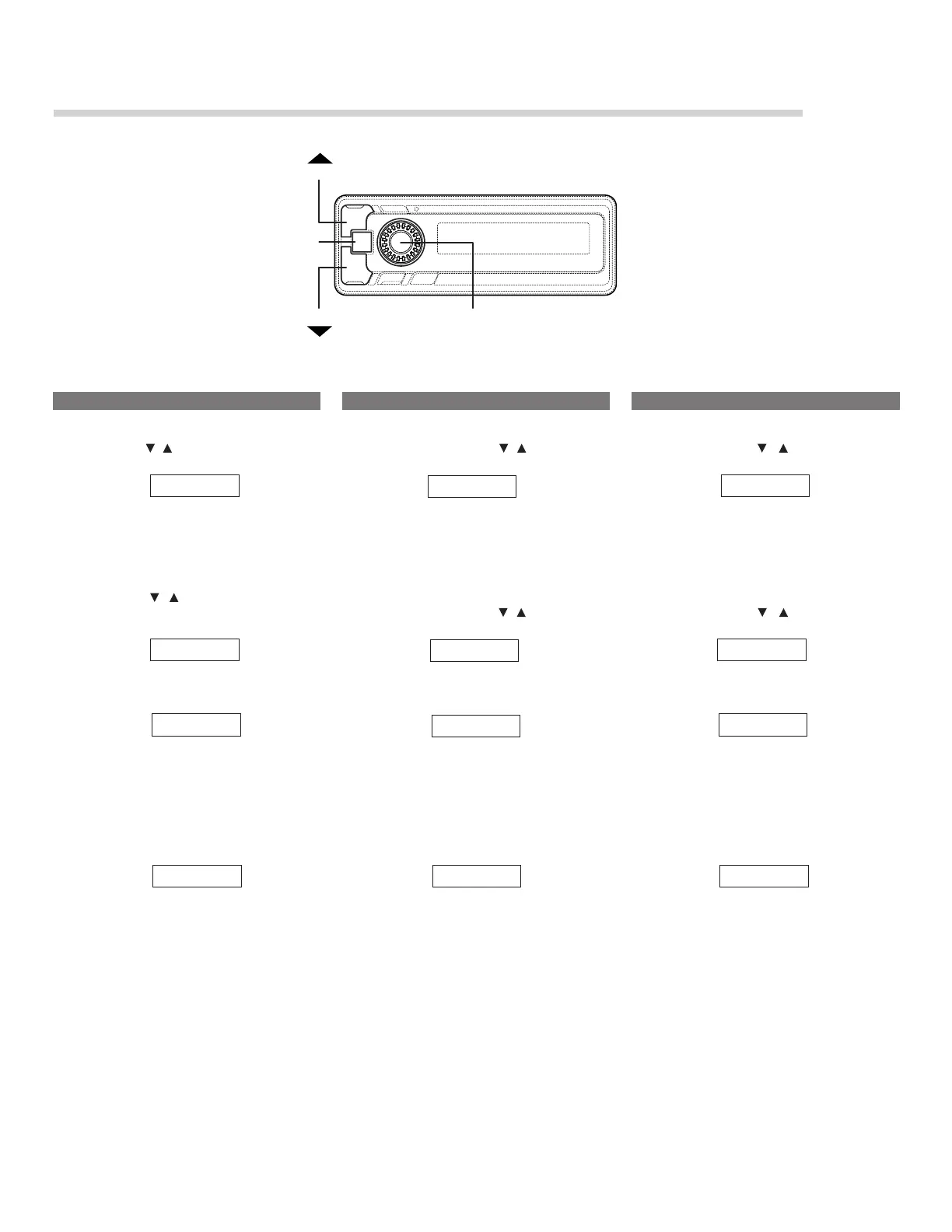
MODE
MODE
ENT
Rotary encoder/Molette/Codificador rotatorio
Pour régler le mode BASS COMP.
1. Appuyez sur la touche MODE / jusqu’à ce que le
message “COMP.” soit affiché à l’écran.
2. Appuyez sur la touche ENT deux fois.
3. Tournez la molette jusqu’à ce que le message “ON”
soit affiché à l’écran.
4. Appuyez sur la touche ENT.
Pour passer en mode TIME CORRECTION (Correction
de l’heure) :
1. Appuyez sur la touche MODE / jusqu’à ce que le
message “TCR” soit affiché à l’écran.
2. Appuyez sur la touche ENT deux fois.
3. Continuez à tourner la molette jusqu’à ce que le mes-
sage “ON” soit affiché à l’écran.
4. Appuyez sur la touche ENT deux fois.
5. Tournez la molette pour régler le temps d’attente de
correction de l’heure.
• Tournez vers la droite pour augmenter le temps
d’attente.
• Tournez vers la gauche pour diminuer le temps d’at-
tente.
• Gamme de réglage: 0,0ms – 10,0ms
6. Appuyez sur la touche ENT.
TCR
ON
COMP.
COMP.
9.5ms
COMP.
TCR
ON
9.5ms
TCR
ON
9.5ms



 To Next Page