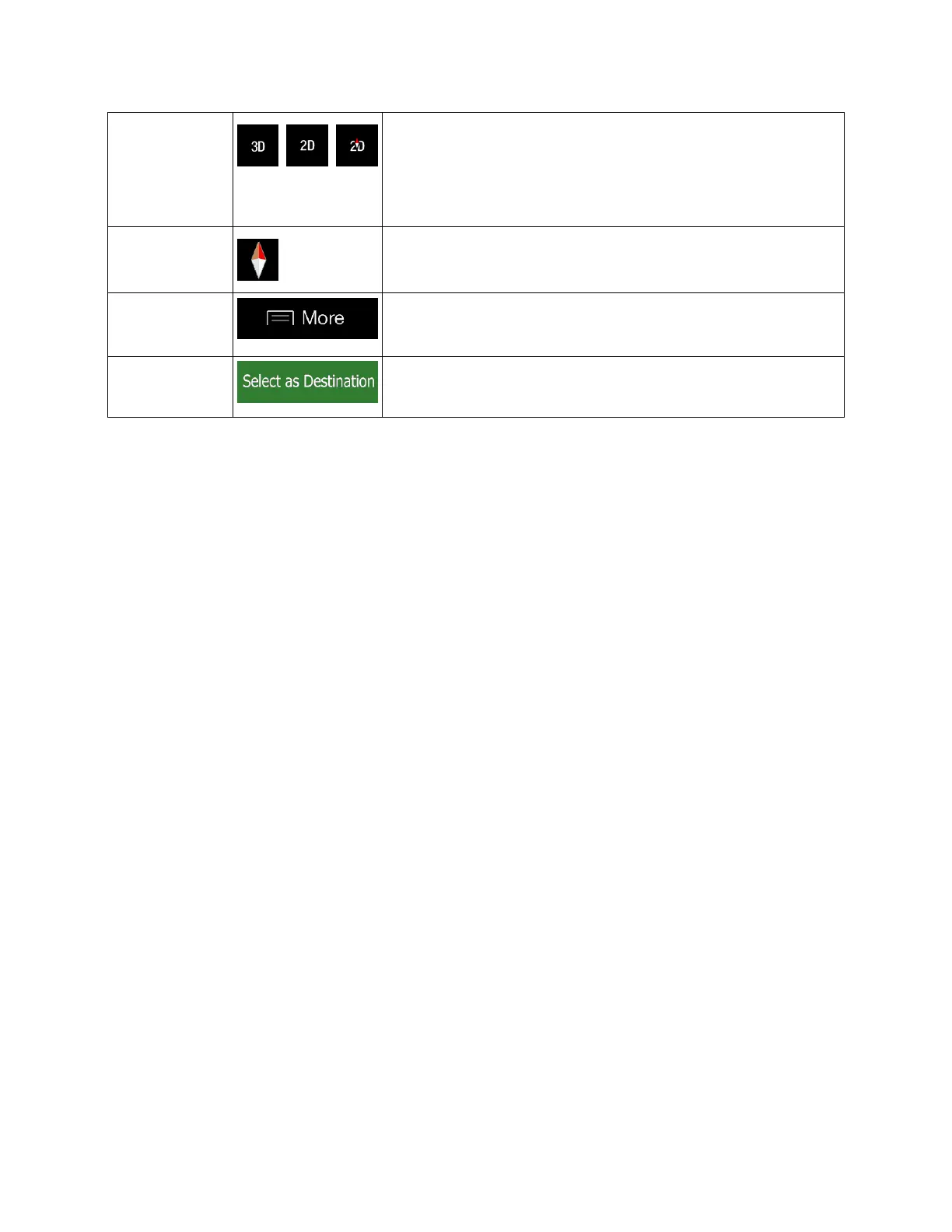
Switch between the 3D perspective, 2D Heading up, and 2D
North up map view modes. In Heading up mode the map is
rotated so its top always points in the current driving direction.
This is the default orientation in 3D map view mode. In North up
mode, the map faces North.
Open a list of additional features like saving a location, or
searching for Places around the cursor.


 To Next Page