28
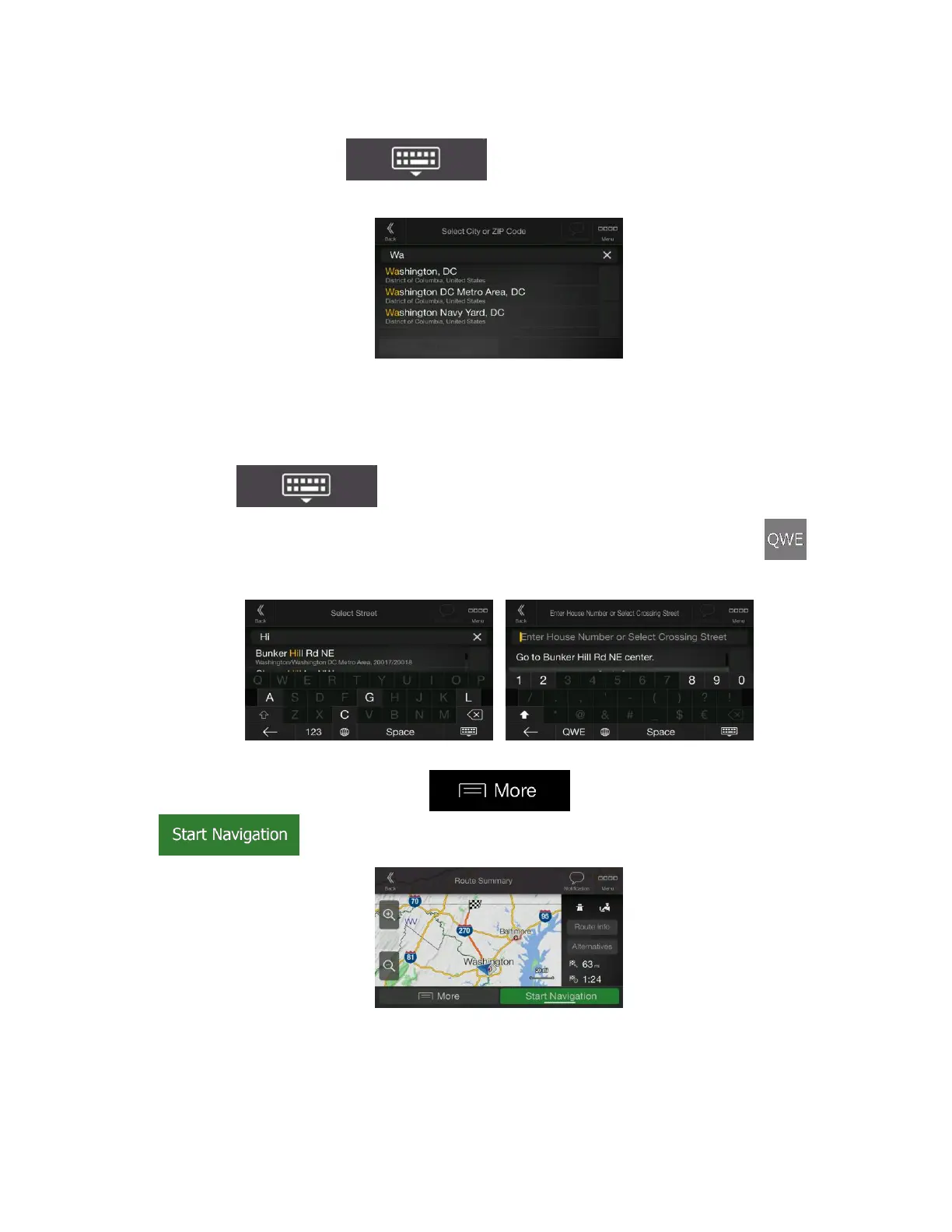
b. To open the list, tap , and select the town or ZIP code.
2. Enter the street name and the house number or crossing street by performing the following steps:
a. Start entering the street name on the keyboard. The names that match the string appear in
a list.
b. Tap to open the list of results. Select the street from the list.
c. Enter the house number or crossing street on the keyboard. (To enter letters, tap .)
d. Tap the selected address to finish the address search.
3. The route is calculated and the map appears showing the entire route, where you can check route
information and route alternatives. Tap to modify the route parameters, or tap
to start your journey.



 To Next Page