50
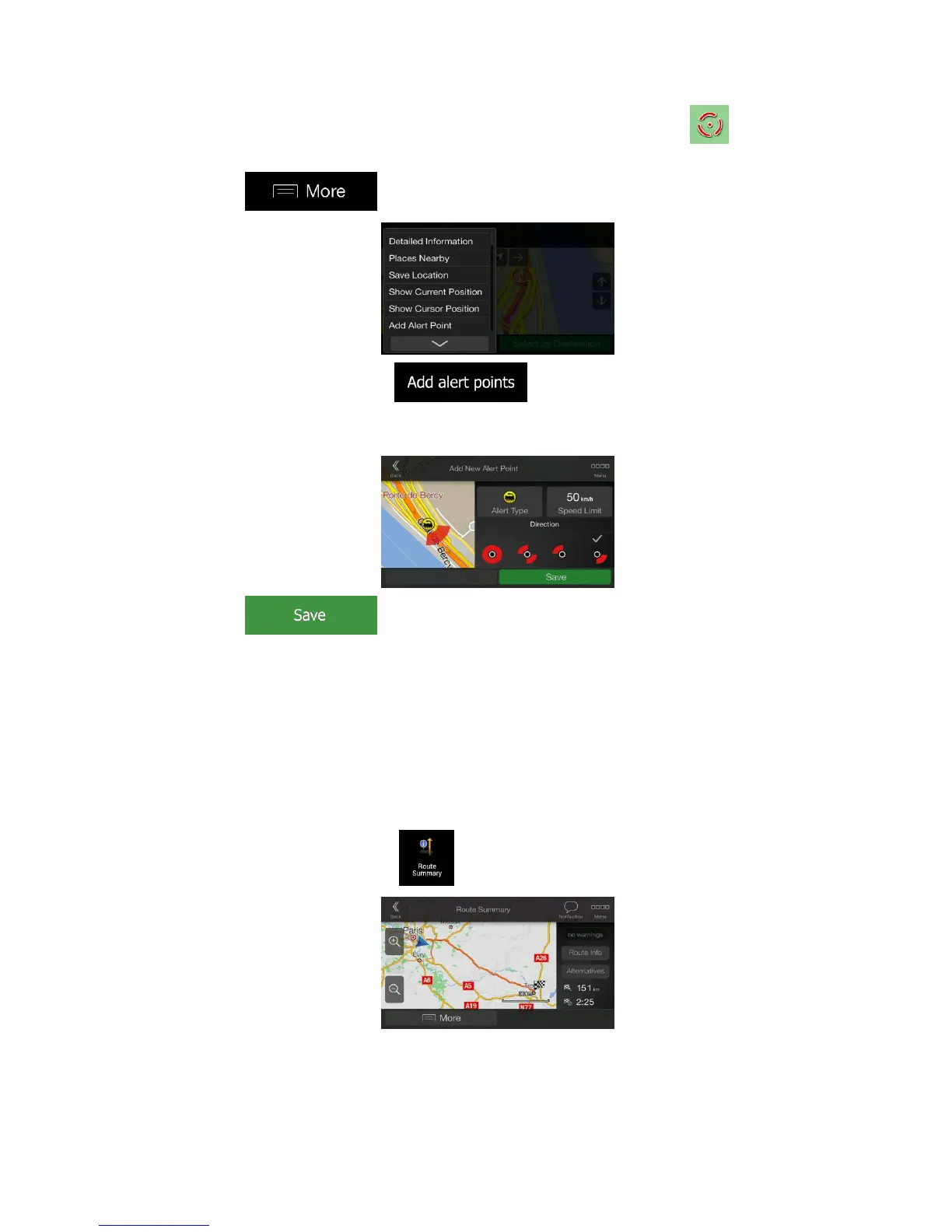
1. Return to the Navigation view, and select the Alert Point. The red cursor ( )
appears there.
2. Tap .
3. Scroll down the list and tap .
4. Select the type of the Alert Point, the direction from which you expect the alert, and (if
applicable) the speed limit for this Alert Point.
5. Tap to save the location as a new Alert Point.
3.7 Running a Simulation
To run a simulated navigation that demonstrates the planned route, perform the following
steps:
1. Press the navigation hardkey button to access the Navigation menu.
2. In the Navigation menu, tap .



 To Next Page