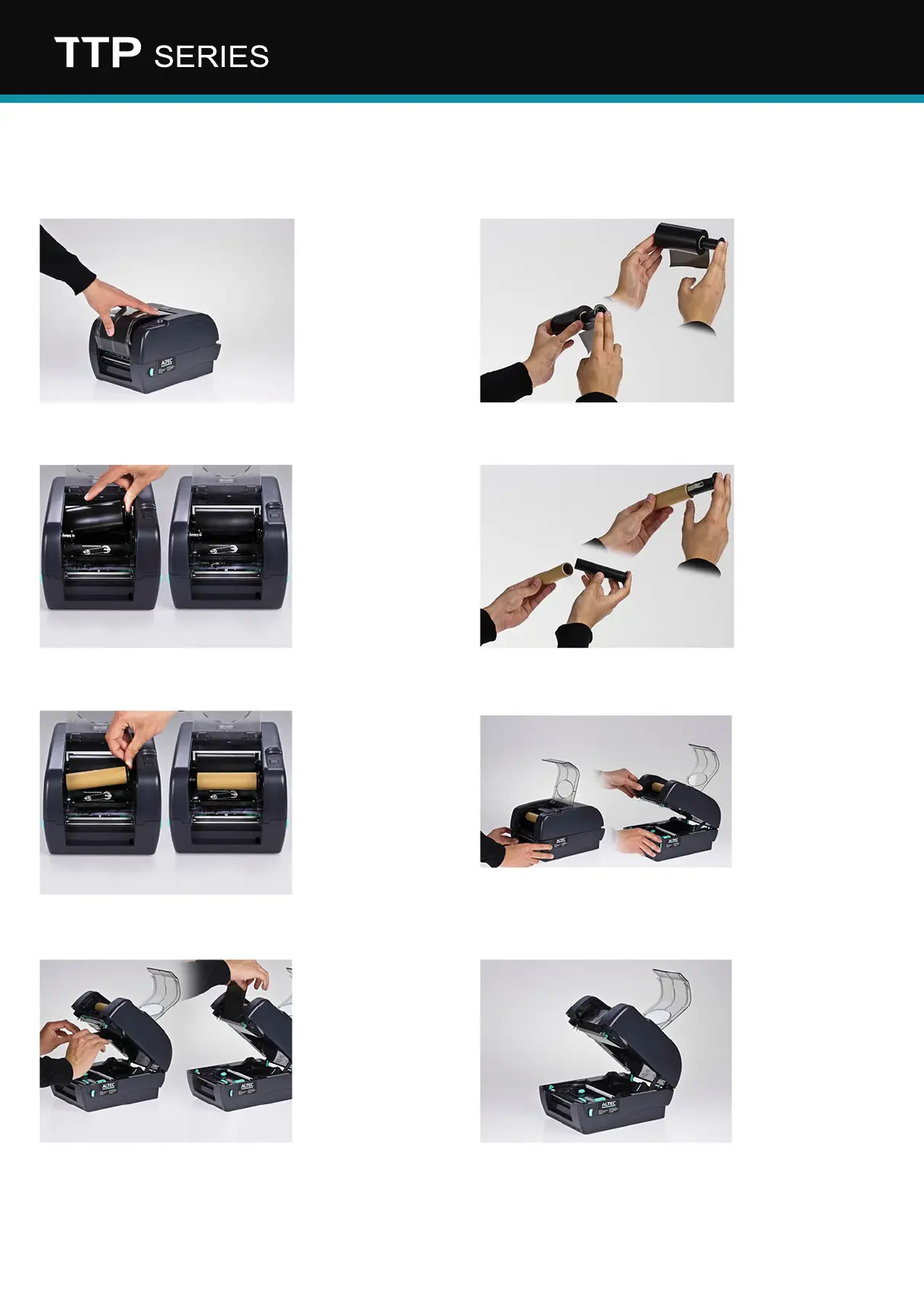
Installation: ink ribbon & labels
3. Install ink ribbon
A. Open the transparent
cover by pressing it down.
C. Install the black spindle
including the ink ribbon on
the rear axle. First place it
left and while pushing the
spring, place it right.
Note: The rim of the label
spindle should be on the
right.
E. Install the black spindle
including the waste roll on
the front axle. Also here, rst
place it left and while pushing
the spring, place it right.
G. Move the begin of
the ink ribbon below the
printhead and attach it to
the waste roll.
F. Open the top of the
printer using the green
latches on both sides of the
printer and lift it up. It will
lock in an open position.
H. Rotate the ink ribbon
until the black part reaches
the waste roll.
D. Insert the the other black
spindle into the cardboard
waste roll.
B. Insert the rst ink ribbon
spindle (black) in the ink
ribbon roll. Make sure the
ink ribbon unwinds at the
backside and the rim of the
label spindle is on the right
side (see image).


 To Next Page