16 | OPERATION
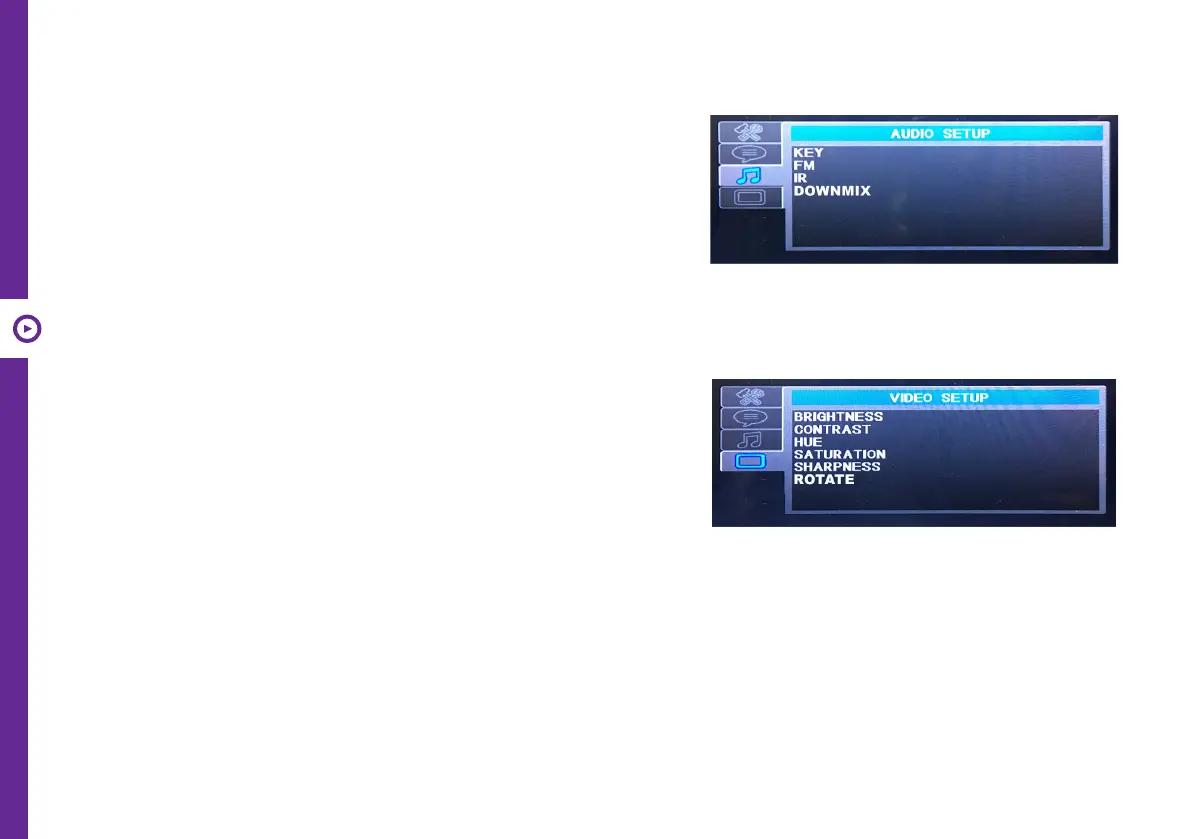
Audio Setup
Key: Change sound pitch.
FM: Send the sound to your car FM radio via FM transmitter settings.
IR: Transmit the sound to IR earphones.
Downmix: Set the 5.1 Channel DVD downmix to 2 channel sound
output. You can select Stereo, LT/RT (left total/right total).
Note: When set to FM or IR, all the sound will transmit through FM
or IR; the built-in speaker and headphone port will have no sound
output.
Video Setup
Brightness: Change brightness of display.
Contrast: Change contrast of display.
Hue: Change hue of display.
Saturation: Change saturation of display.
Sharpness: Change sharpness of display.
Rotate: Flip the menu upside-down.
Game function
You can play games on the entertainment system. You can download games from the internet (.nes format)
and copy them onto an SD card or USB disk (not included).
1) Insert an SD card or USB with your games saved on it.
2) Playback starts automatically.
3) Use the game control pad on the remote to control the game play.
4) Press the RETURN button to go back to the menu.


 To Next Page