OPERATION | 15
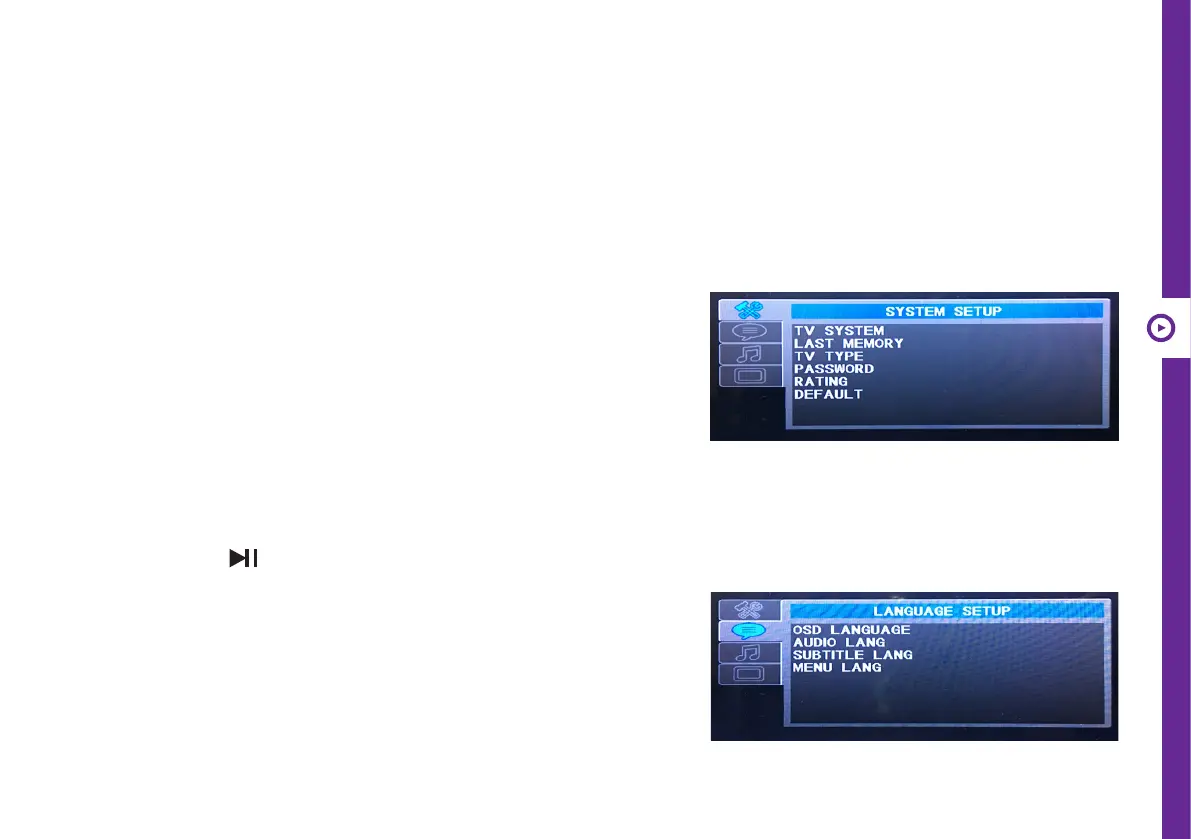
System Setup
TV system: Select the TV system. AUTO is recommended.
Last memory: Turn ON or OFF the Power Resume function.
TV Type: TV type to change the screen ratio between 4:3 PS, 4:3 LB
and 16:9.
Password: Set the password for Rating. You can use the password
“4711” to unlock if you forget your password. You can change the
password after the lock icon appears as an open lock. When the
icon is an open lock, enter a 4-digit password and press ENTER to
conrm the change.
Rating: Set the playable DVD rating (only available when the
password is unlocked).
Default: Press the and ENTER buttons to restore to factory
default settings.
Language Setup
OSD language: Change the OSD language.
Audio language: Change the default Audio language.
Subtitle language: Change the default subtitle language.
Menu language: Change the menu language.
systeM MeNU
Press the SETUP button to display the system menu. Use the navigation buttons and the ENTER button to select items
in the menu and change the settings.



 To Next Page