- 14 - Sub-Assembly
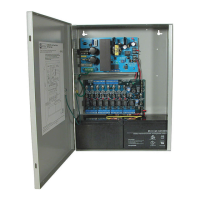
Installation Instructions for Power Supply/Chargers (BC400 Enclosure):
1. Fasten standoffs onto metal pems A configuration of enclosure (Fig. 13, pg. 14).
2. Position sub-assembly module over standoffs and secure module into enclosure with four (4) pan head
screws supplied (Fig. 13a, pg. 14).
3. Refer to the corresponding Power Supply/Charger Installation Guides for AL300ULXD, AL600ULXD,
AL1012ULX Series, AL1024ULX Series, eFlow3N Series, eFlow4N Series, eFlow6N Series,
eFlow102N Series, eFlow104N Series (Pgs. 20-21) and individual Sub-Assembly Installation Guides for
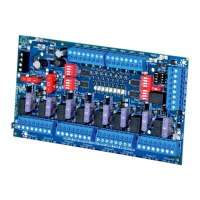
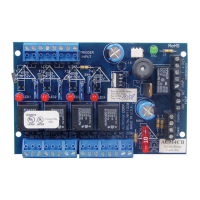
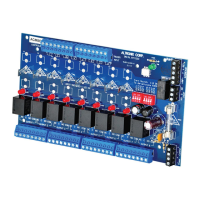
the following models: ACM4(CB), LINQ2, LINQ8PD(CB), MOM5, PD4UL(CB), PD8UL(CB),
PD16W(CB), PDS8(CB), ACM8(CB), ACMS8(CB), VR6 for further installation instructions.
Sub-Assembly Position Chart for the Following Models:
AL300ULXD, AL600ULXD, AL1012ULX, AL1024ULX(R),
eFlow3NX, eFlow4NX, eFlow6NX, eFlow102NX and eFlow104NX.
Sub-Assembly
Module
Mounting
Position
Mounting
Sub-Assembly
Module
Mounting
Position
Mounting
LINQ8PD(CB)
Below
Power
Supply
A
PD16W(CB)
Below
Power
Supply
A
ACM4(CB) PDS8(CB)
ACM8(CB) ACMS8(CB)
MOM5 VR6
PD4UL(CB) LINQ2* Top edge B
PD8UL(CB)
Fig. 13
B
A
Pem
Standoff
Sub Assembly
Enclosure
Pan Head
Screw
Fig. 13a
* LINQ2 can be installed when utilizing
eFlow power supply/charger boards.



 To Next Page