Page 4
10
Install the Glassbreak Sensors 3’ to 25’ from
the window(s) being protected, maintain line-of-
sight from glassbreak sensor to window(s). Remove
protecve backing and apply VHB tape to the back
of the housing. Press and hold sensor in place for
20 seconds. VHB tape is permanent on painted
wallboard, ensure the area
is clean and dry before
applicaon. Alternately, #6
screws and wall anchors can
be used for mounng.
11
Place Flood Temp Sensors in a locaon
requiring ood or temperature detecon, such as
a bathroom, ulity room, sump pump or laundry
area. If desired, the
wall clip can be used
to secure it to a wall or
baseboard, ensure the
sensor maintains contact
with the oor surface
for ood detecon. This
sensor detects water
pooled directly beneath
the sensor and reports
extreme temperature
condions. High temperature alarms at 100°F,
freeze point alarms at 45°F. Contact us if you prefer
to customize Flood Temp Sensor default sengs.
12
Place a PINPad or Keypad near entryways or in
a bedroom for convenient arming
and disarming. If you’ve ordered
either of these devices with your
security system, they are already
programmed and can be aached
to a wall or placed on a tabletop
or shelf. Refer to the
installaon guides
provided with the
products for detailed
installaon and
operaon informaon.
13
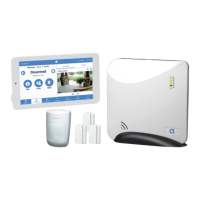
The Slimline Touchpad and the Flat Mount
Touchpad are the most advanced, wireless, on-site
control interface available for your security system.
They can be placed
on a tabletop or
mounted on the
wall. A power supply
is included with the
product, plugging
the power supply
into a wall outlet powers the touchscreen. See the
detailed instrucons provided with your Touchpad
on mounng and enrollment to your Connect+
Hub and local Wi-Fi network. Before permanently
mounng your Touchpad to a wall, note the signal
strength for communicaon needs to be at least
35. This number will show aer the inial startup.
Pro Tip: If you ordered the touchpad with your
security system, skip step one in the installaon
guide on installing the Wi-Fi DeviceLink Card in
your Connect+ Hub.
14
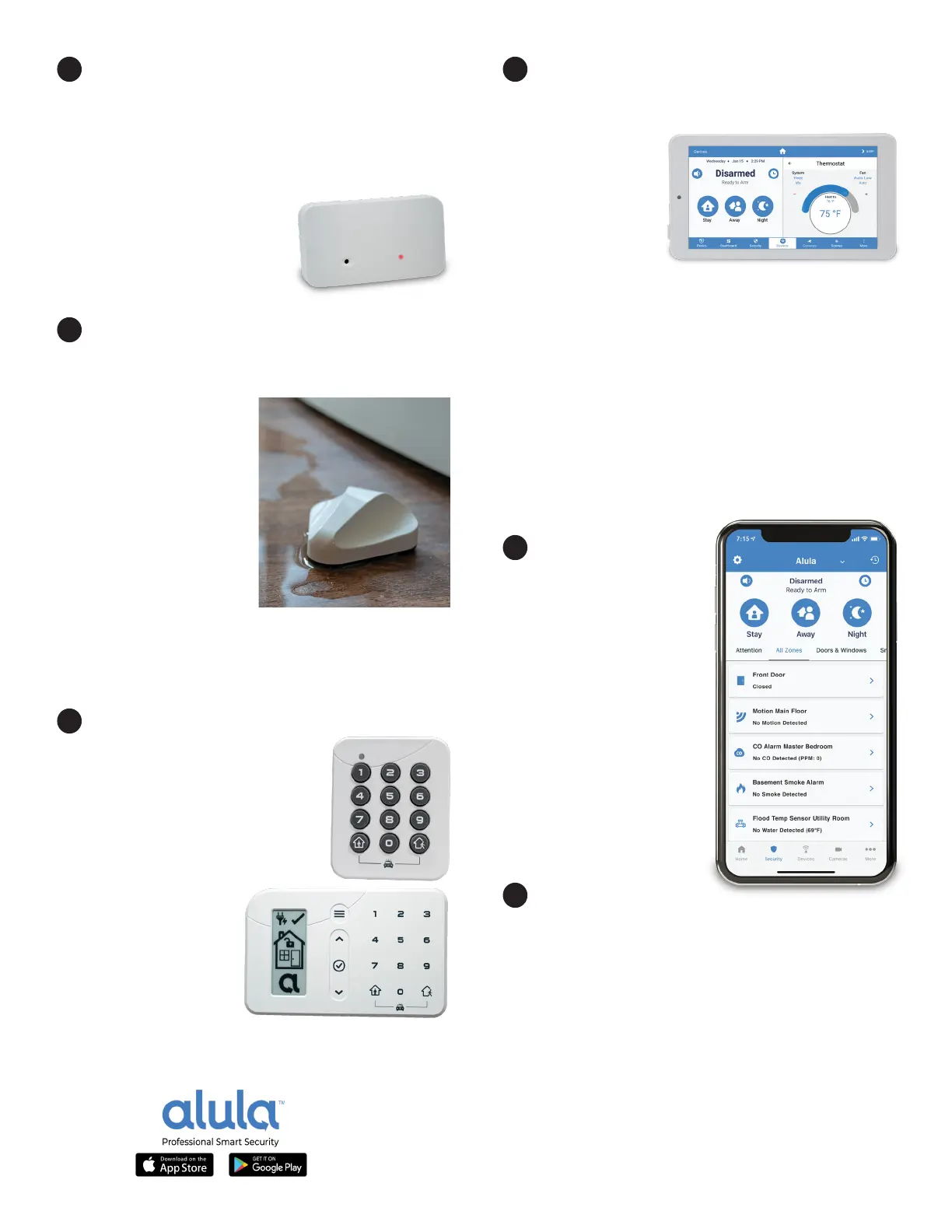
The Alula Mobile
App is the perfect
compliment to your
Touchpad, allowing
each user encrypted,
interacve control of
your security system,
automaon devices and
video cameras from
anywhere, at any me.
Your hub and sensors are
already programmed to
the Alula Hub and will
auto-populate in the App
aer login.
15
Download the Alula
Mobile App from the Apple App Store or Google
Play Store to each user’s smartphone or tablet.
Enter “Alula Security” in the app store’s search
eld. Open the app and enter the user name and
password credenals recorded on page 1 of this
quick start guide. Use the same username and
password on all users’ smartphones.


 To Next Page
 Loading...