Getting Started
• Remove the plastic insulator from the battery on the remote control
• Screw in the frame stand
• Plug in the power adapter
8
Package Contents
Your order has been carefully packaged and inspected. The following should be included in
your package. Please inspect the contents of the package to ensure that you have received
all items and that nothing has been damaged. If you discover a problem, please contact us
immediately for assistance.
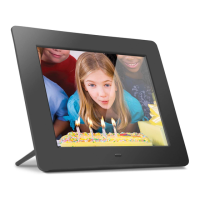
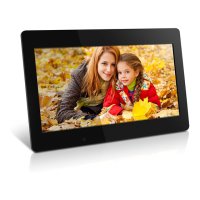
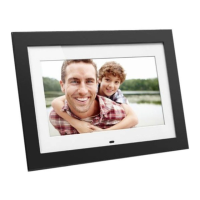
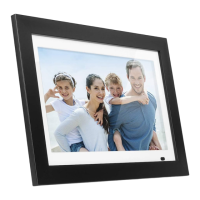
• 10” Digital Photo Frame
• Remote Control
• USB 2.0 Cable (Type A to mini-B)
• Power Adapter
• Frame Stand
• Registration Card






 To Next Page