CHAPTER 3: USING PROGRAMMING FUNCTIONS
IS-300CA INVERTER POWER SUPPLY
3-20 990-418
b. TIME-OVER / CURR-OVER / VOLT-OVER / POWER-OVER / PULSE-OVER /
WORK-OVER / DISPL-OVER.
Sets the signal to output, ERROR or CAUTION. The signal is output in the following states.
TIME-OVER
When the weld time exceeds the upper/lower limit
CURRENT-
OVER
When the current exceeds the upper/lower limit
VOLTAGE-
OVER
When the voltage exceeds the upper/lower limit
POWER-OVER
When the power exceeds the upper/lower limit
PULSE-OVER
When the pulse width exceeds the upper limit
WORK-OVER
Advanced models ONLY. When the work piece detection
by displacement measurement exceeds the upper/lower
limit
DISPL-OVER
Advanced models ONLY. When the final displacement
by displacement measurement exceeds the upper/lower
limit
NO CURR
When the no-current error occurs
(For the no-current error, see Troubleshooting.)
WORK ERROR
When the pre-check error occurs
When two or more items are the same settings, the ERROR signal or the CAUTION signal is
output if either one meets the condition above.
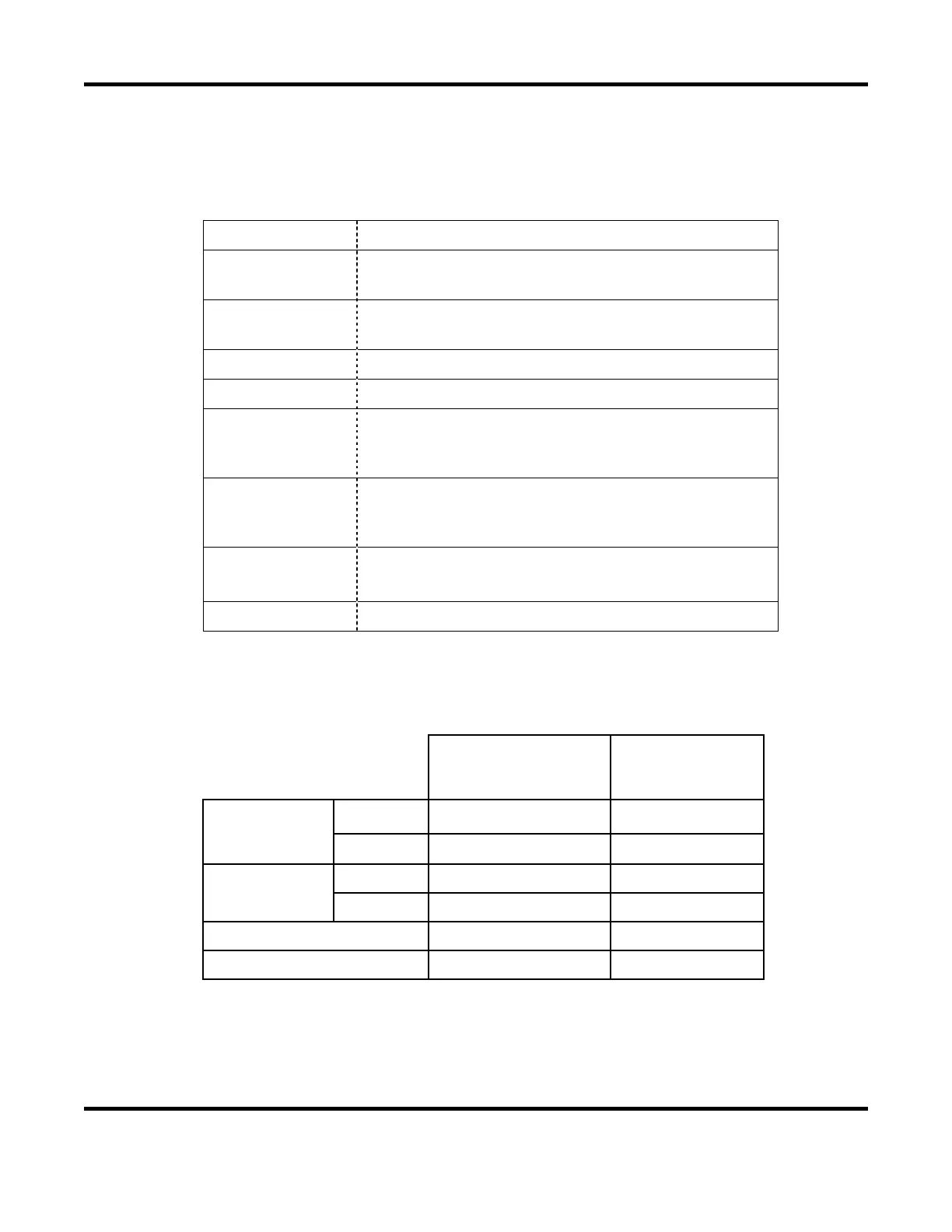
NOTE: Receiving the start signal after error output and Continuous welding operation
START SIGNAL
AFTER ERROR
OUTPUT
CONTINUOUS
WELDING WITH
OFF TIME (OFF)
Upper/lower
limit monitor
error
ERROR
Receive Stop
CAUTION
Receive Not stop
No-current error,
Work piece error
ERROR
Not receive Stop
CAUTION
Receive Stop
Counter error Receive Stop
Other device error Not receive Stop


 To Next Page
 Loading...