CHAPTER 3: USING PROGRAMMING FUNCTIONS
IS-300CA INVERTER POWER SUPPLY
3-48 990-418
14. RESET TO DEFAULT Screen
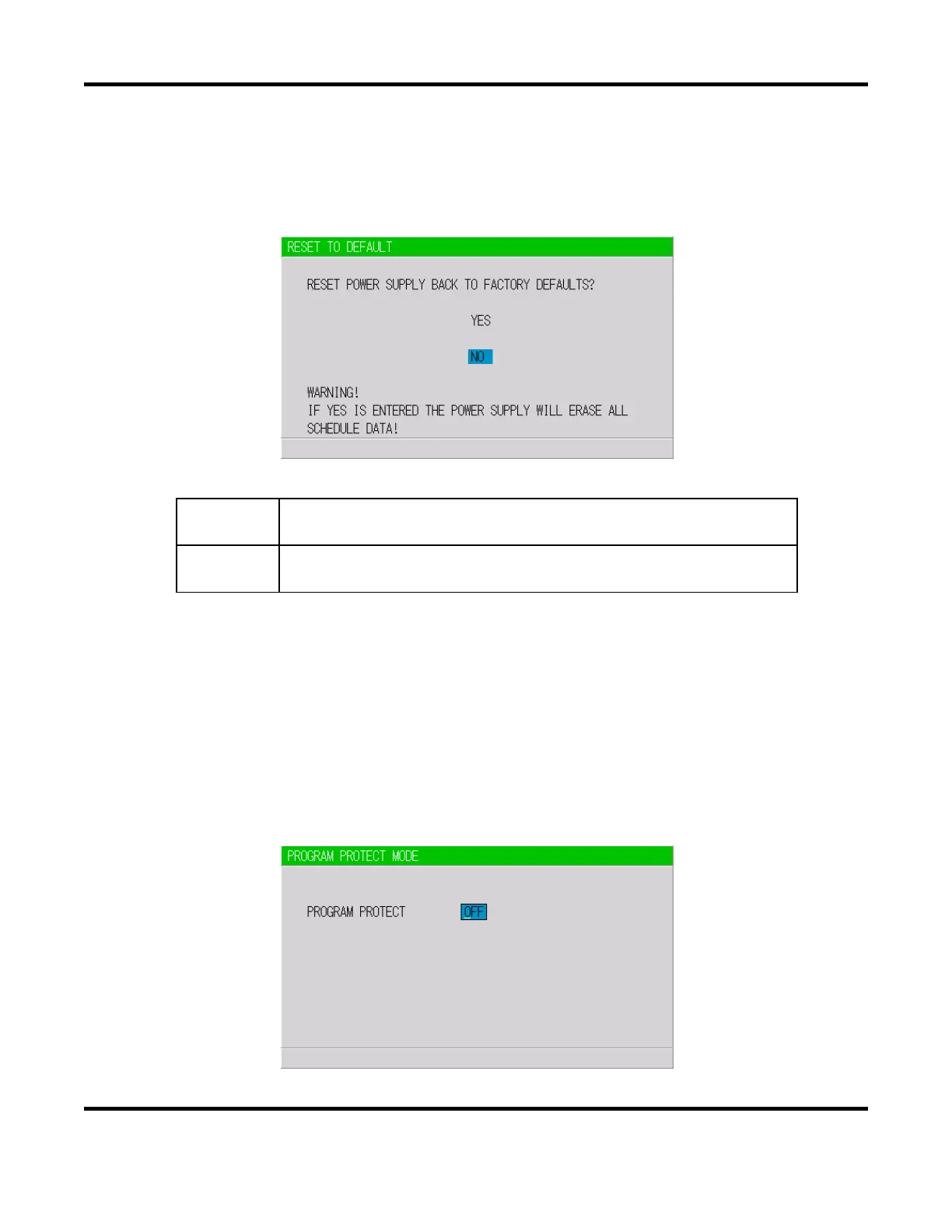
This screen is used to initialize the Power Supply’s memory (i.e., to restore the initial settings).
Initialization will not clear the memory of the Pendant. To initialize, move the cursor over
YES or
NO and press the ENTER key.
(a) YES
Initializes the Power Supply memory (restores the initial settings). After
initialization, the screen will reflect the settings shown in this chapter.
(b) NO
Returns the display to the MENU screen without initializing the Power Supply
memory.
15. PROGRAM PROTECT MODE Screen
When this function is used, set values cannot be changed by any person other than the supervisor.
PROGRAM PROTECT is usually set to OFF. When it is set to ON, set values cannot be changed
until PROGRAM PROTECT is set to OFF again.
Follow the procedure below to change the setting of
PROGRAM PROTECT.
1. Turn the power supply ON using the key pressed or connect the jumper to the circuit cable
with the power supply turned ON. The following screen will display:


 To Next Page
 Loading...