MA-627A
4. Explanation of Operation
4-3
② [DOWNLOAD] screen
This screen is used when the MA-627A downloads the program from a product
connected to the MA-627A. When downloading, select YES for DOWNLOAD with
the [+ON] key, then press the [ENTER] key.
CONNECT MEMORY
[ ] BACK UP ERASED
[ ]
DOWN LOAD : YES
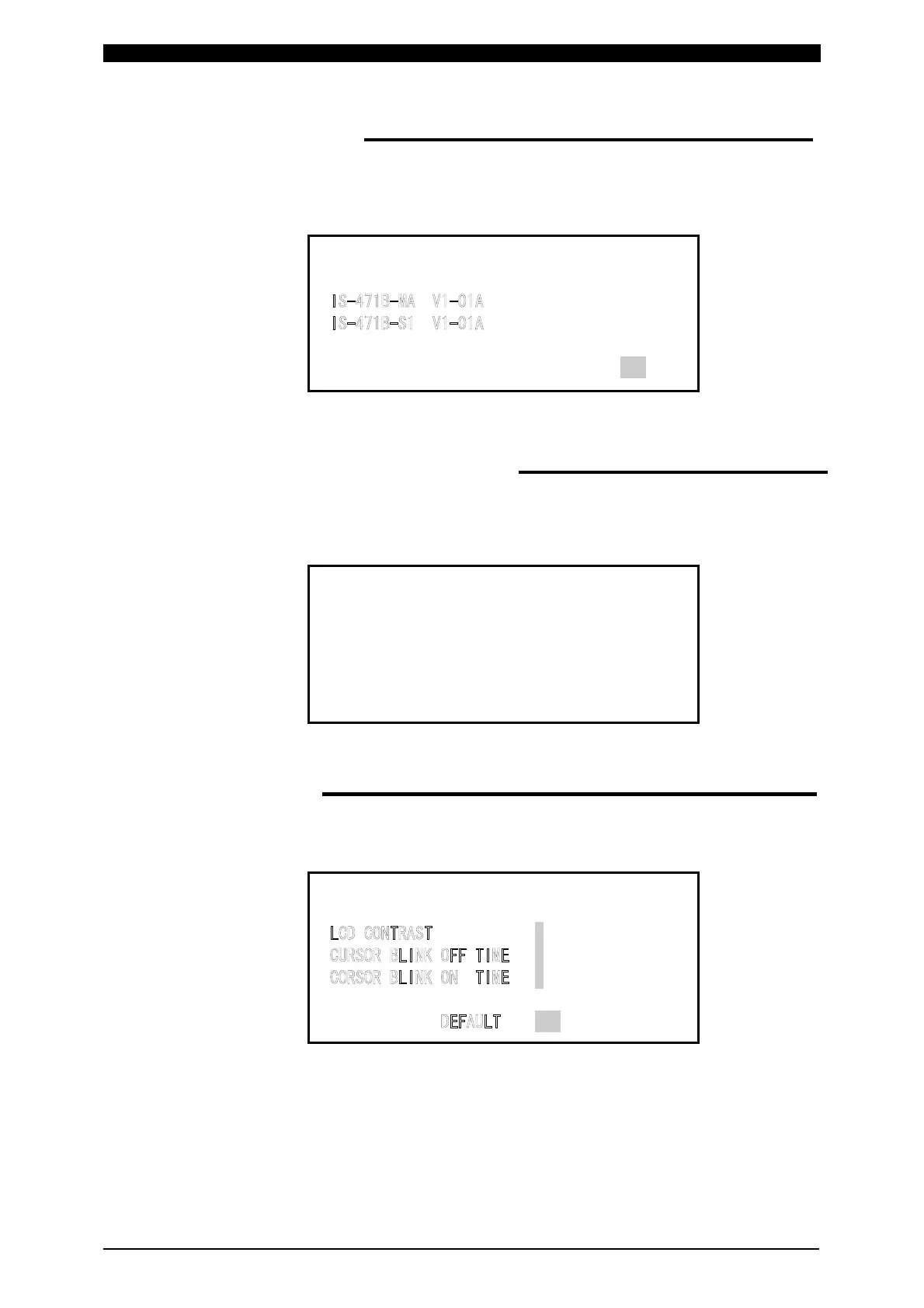
③ [COMMUNICATION LINE ERROR] screen
If the following screen appears, check:
(i) the connected product for fault, and
(ii) the circuit cable for broken wire and for wrong connection.
!!!TROUBLE!!!
COMMUNICATION LINE ERROR
④ [OPTION] screen
This screen adjusts contrast of the MA-627A screen after program has been
downloaded. (See ○
2
[DOWNLOAD] screen)
-OPTION
4 (T O--->7 D)
4
5
OFF


 To Next Page