7
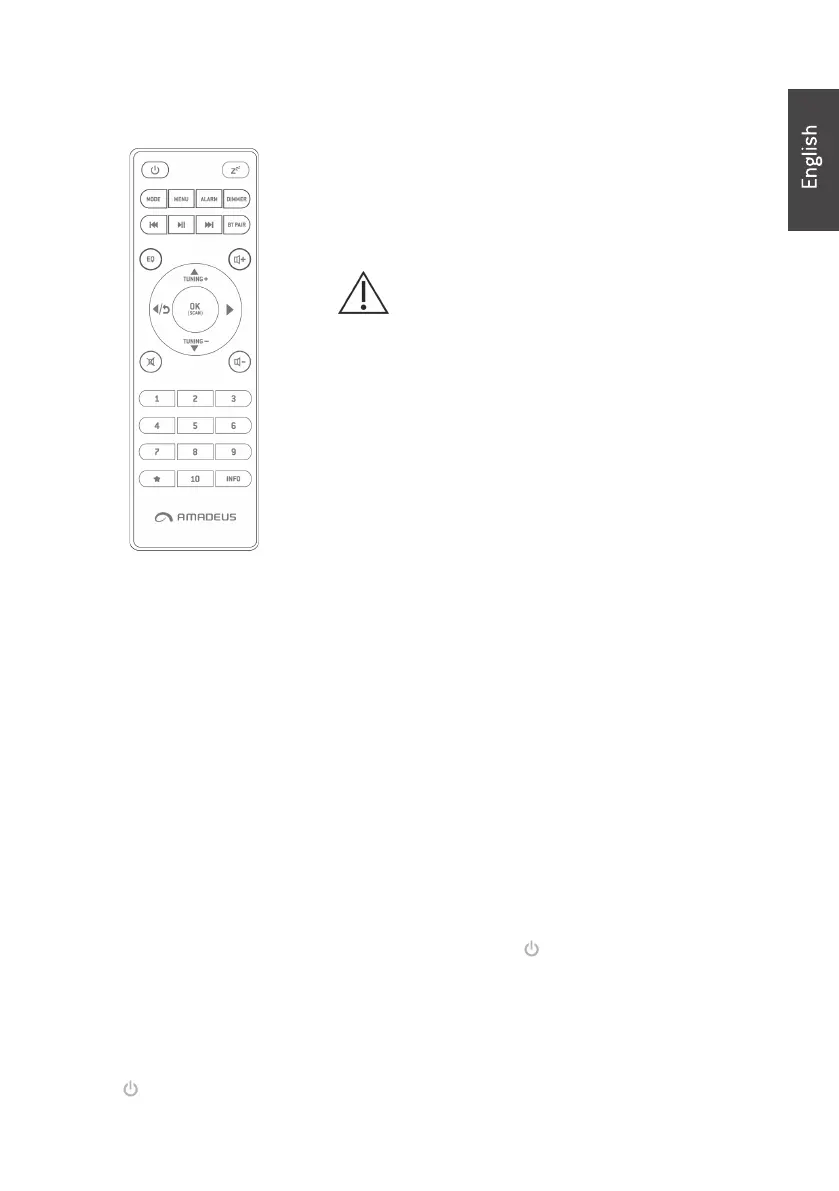
Remote
Remote
Remote
Remote Controller
Controller
Controller
Controller
Use your thumb to press the lid of the battery
compartment and pull it out. Install 2 x A AA type
1.5V battery into the battery co mpartment,
taking care to insert it correctly.
Risk of explosion if battery is replaced by
an incorrect type.
Dispose of used batteries according to the
instructions.
Get ti ng
Get ti ng
Get ti ng
Get ti ng Started
Started
Started
Started
The packaging box c ontains the following items:
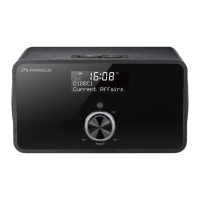
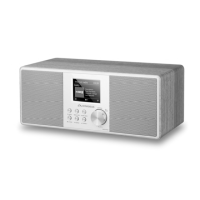
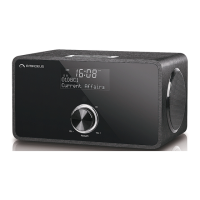
Radio
Remote Control
Power adaptor
User Manual
3.5mm audio cable
• Connect the power adaptor to the back of the radio and plug into power
socket. Switch it on at the back of the radio.
• When it is the rst time running the device, the radio will enter DAB mode
and automatically scan the DAB/DA
B+ stations.
• Press and hold STANDBY/MODE
STANDBY/MODE
STANDBY/MODE
STANDBY/MODE on the unit or
on the remote control to
enter standby mode. The time, date and any active alarm icon display on
the screen. If the time and date have not set, the display shows the time
00:00 and Time is not set.
• During standby mode, press and hold STANDBY/MODE
STANDBY/MODE
STANDBY/MODE
STANDBY/MODE on the unit or
on the remote control to turn the radio to opera tion mode.


 To Next Page