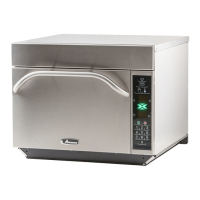
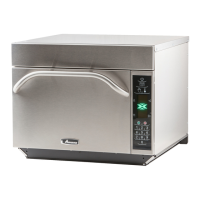
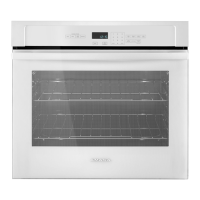
To program the oven using the EZCard:
Oven must be in Standby mode (Preheat must be OFF)
1. Open protective cover from bottom of keypad.
2. Insert the EZCard into the slot located below the vertical keypad.
Note: The EZCard can be inserted forwards or backwards.
3. From Standby, press and hold the “2” pad to go to “User Options”.
4. Go to Option #18 by pressing “Prev Option” on the screen or repeatedly pressing “Next Option”
5. Select the desired operation by highlighting “Transfer card to oven” or “Transfer oven to card” with the
knob.
6. Press the “Start” pad to begin the transfer (The screen will indicate transferring and indicate done
when transfer
is complete.)
8. Remove EZCard and close the protective cover.
Note: You can exit from programing the oven by pressing “off” keypad.
7. Press the SAVE pad to complete the process.
Standby Mode
Press and Hold 2
Press Start
Protective Cover
Press Save
USER OPTIONS
NEXT
OPTION
PREV
OPTION
CANCEL
SAVE
USER OPTIONS
NEXT
OPTION
PREV
OPTION
CANCEL
SAVE
USER OPTIONS
NEXT
OPTION
PREV
OPTION
CANCEL
SAVE
User Options
Previous Options
$;30;3


 To Next Page
 Loading...