Amano PIX-28 3
Description of Controls
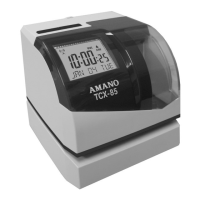
Normally, the Display Window shows the date and time. When you
use the Quick Set or Program Mode to change the settings of the PIX-
28, the instructions to change the clock are shown in this window.
The buttons underneath the cover are used to navigate through the
Quick Set and Program Mode to change the clock’s settings.
CHANGE Button. Use this button to change the information shown on
the display when you are in the Quick Set or Program Mode.
ENTER Button. When you are in the Quick Set or Program Mode, use
this button to enter the setting shown on the display into memory.
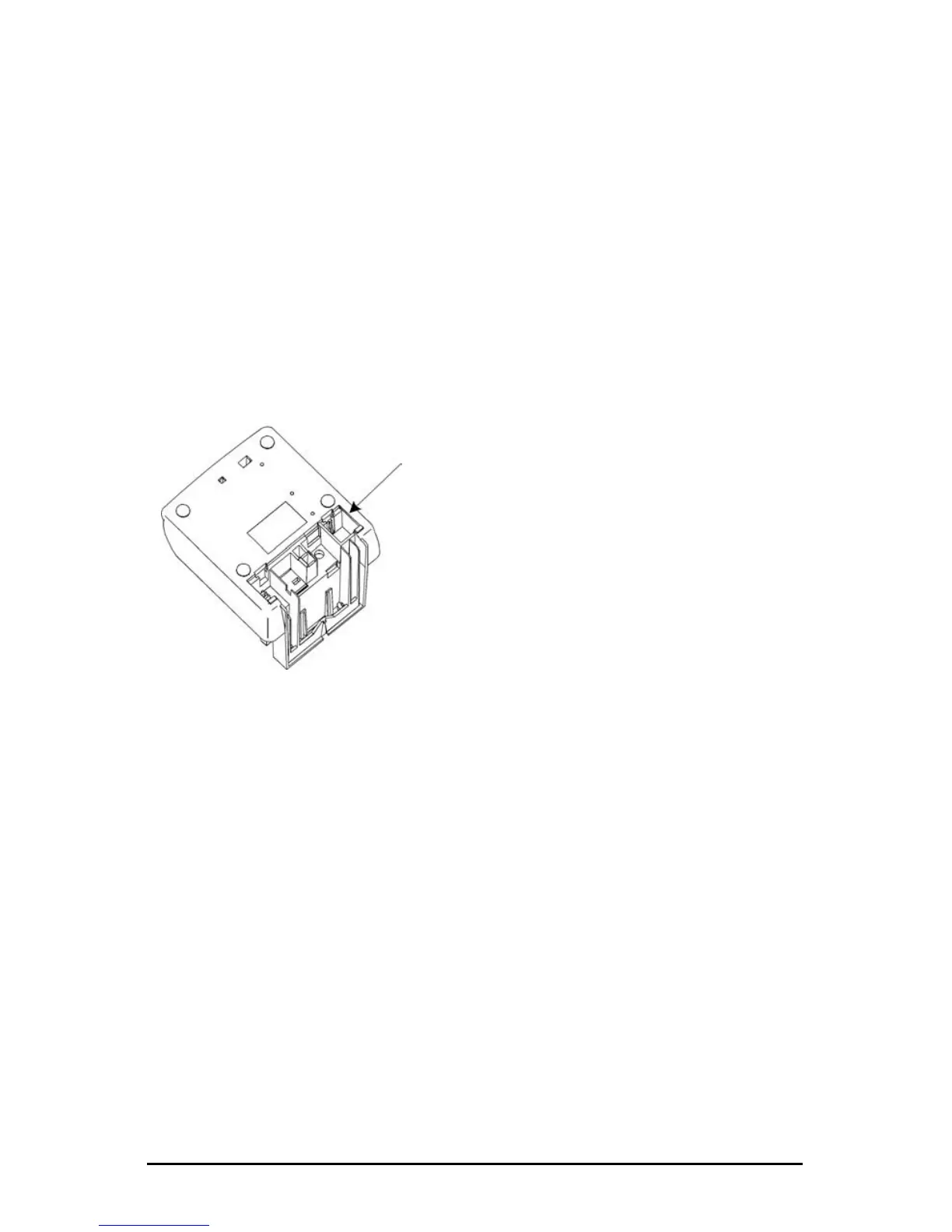
The RESET Button
The RESET Button is located on the
bottom of the clock.



 To Next Page