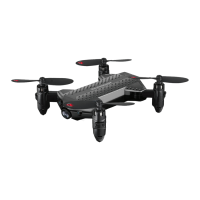
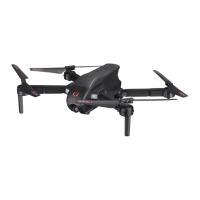
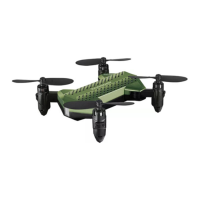
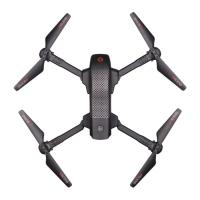
Thank you for purchasing the 2.4 G Indoor /Outdoor VA-2080. Please read this instruction booklet as it
contains valuable information on how to properly fly and care for your VA-2080.
FEATURES
• Air Pressure Sensor Locks Flight Altitude
• Built In 6 Axis Gyroscopic Chip Keeps the VA-2080 Extremely Stable in All Conditions
• Automatically Starts and Lands
• Different Speed Settings for Slow to High Speed Flying
• Head Light
REMOTE CONTROL BATTERY INSTALLATION
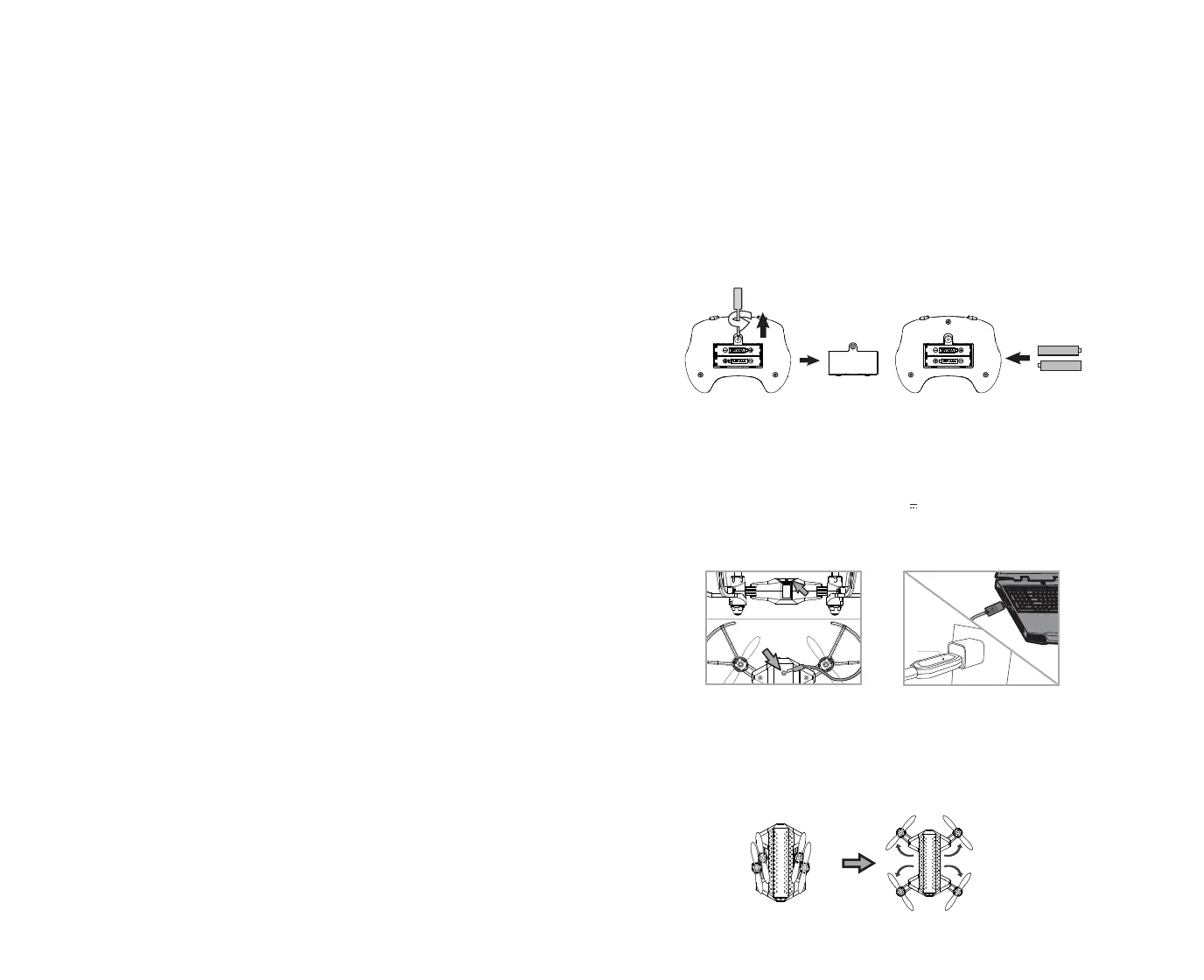
1. Unscrew and remove the battery cover from the back of the remote control
as shown in diagram A.
2. Install 2 “AAA” alkaline batteries into the battery compartment as shown in the diagram A1.
3. Replace the battery cover and secure it.
TABLE OF CONTENTS
Features ............................................................................................................ 2
Remote Control Battery Installation .............................................................................. 2
Charging the VA-2080............................................................................................. 2
VA-2080 Diagram, Remote Diagram .............................................................................. 3
Preparing for Flight ...............................................................................................4
Syncing Your VA-2080...............................................................................................4
Flying Tips .......................................................................................................... 4
Now You Are Ready To Fly ! ........................................................................................ 5
Recognizing the Front and Rear of the VA-2080 ................................................................. 5
Automatically Take Off / Land ..................................................................................... 5
Understanding The Altitude Lock ................................................................................ 5
Speed Setting Button ............................................................................................. 5
T (Training)Mode .................................................................................................. 5
Understanding Trim Adjustments................................................................................ 6
Forward / Backward Trim ....................................................................................... 6
Banking Left / Right Trim ....................................................................................... 6
Flight Control ...................................................................................................... 7
Calibrating the VA-2080 ............................................................................................ 8
How To Do 360º Stunt Rolls ....................................................................................... 8
VA-2080 Warning: .................................................................................................. 9
Battery Warnings, Care and Maintenance ...................................................................... 9
Replacing the Propeller Blade ...................................................................................9
Limited 90-Day Warranty........................................................................................10
FCC Part 15 C Notice .............................................................................................. 11
Battery Compartment
(2 “AAA” batteries not included)
A A1
1 2
CHARGING YOUR VA-2080 BATTERY
1. Turn the V
A-2080
Off. Plug the charging cable into the V
A-2080
charging socket.(see diagram B).
2. Connect the USB end of the cable to your computers USB port or a USB wall charger (see diagram B1).
The red LED on the USB plug lights up when charging is complete.
Note: If the red LED lights up, either the charging is complete or the USB plug is not properly connected.
3. Average charging time is approximately 40 minutes ( via 5.0V 2A USB wall charger). The V
A-2080
operates
for approximately 5-6 minutes on full charge.
Note: Periodically examine the charger for external damage. External damage to the charger may result
in the risk of fire, electric shock, or injury to persons. Never use a damaged adapter.
IMPORTANT: ALWAYS REMEMBER TO UNPLUG YOUR CHARGING CORD WHEN NOT IN USE!
B B1
HOW TO EXPAND AND FOLD YOUR VA-2080
Before flying your V
A-2080
, you need to expand the foldable arms out. Turn your V
A-2080
over, bottom side facing
you, pull and expand the 4 arms as shown in the diagram below carefully. Make sure the arms are fully expanded to
the position with a click sound. After flying your V
A-2080
, it is recommended to fold all 4 arms back in. When
expanding or folding your V
A-2080
, make sure to be gentle.(see diagram C)
C
The red LED on the
USB plug lights up
when charging is
complete


 To Next Page