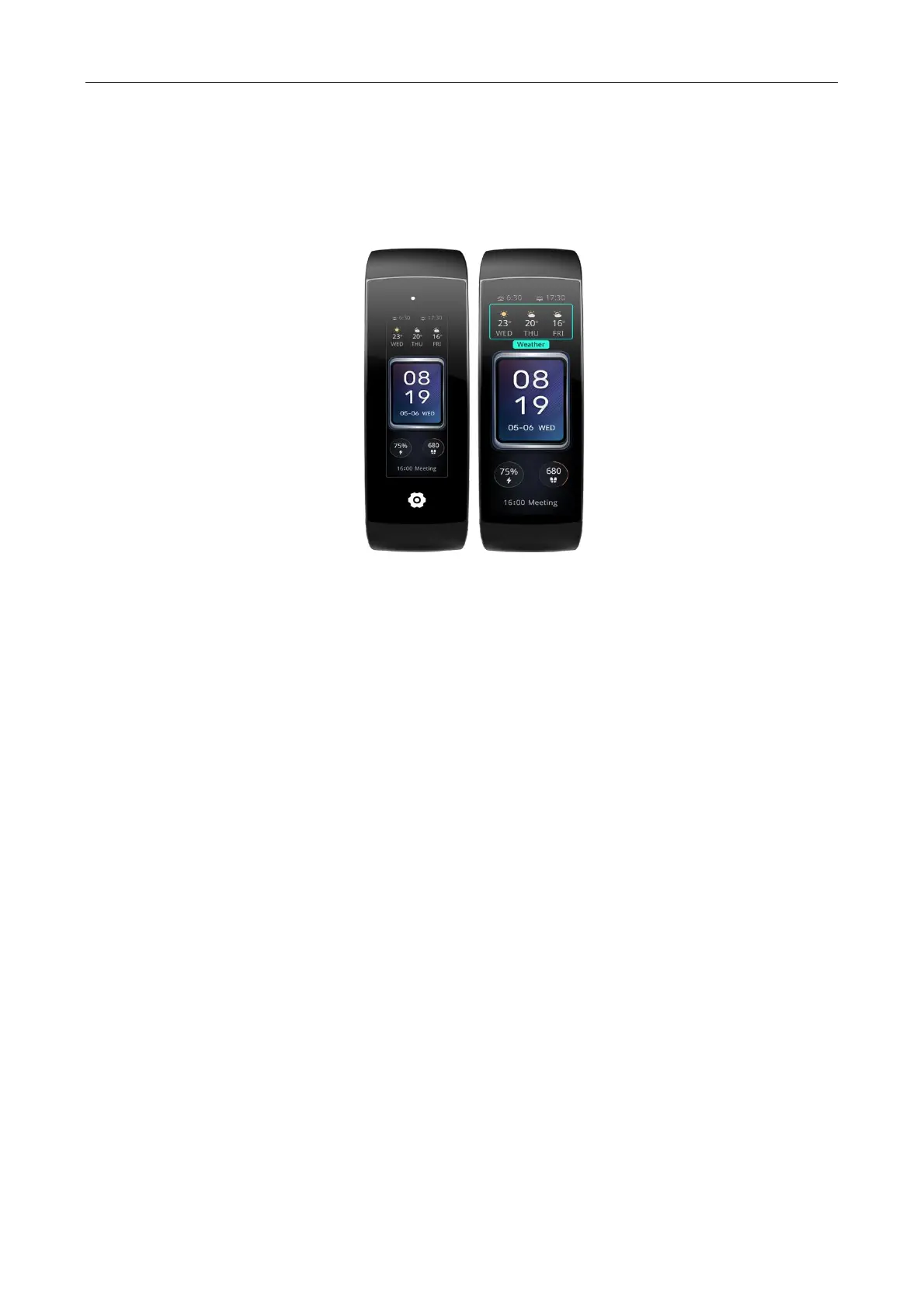
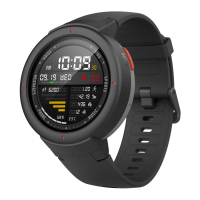
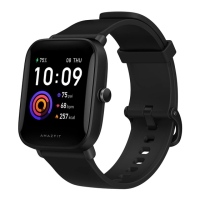
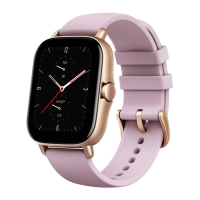
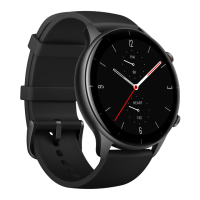
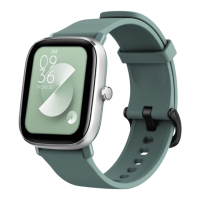
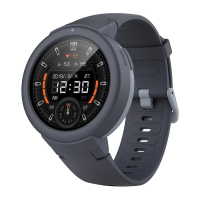
2. Swipe left or right to preview the watch faces available to the watch. The Edit button will be displayed at the
bottom of a watch face that supports compilations. You can tap this button to go to the page for editing the
compilations of this watch face.
3. Select the compilation to be edited, and tap this compilation, or swipe up or down on the screen to switch
between compilations.
4. After editing, press the side key to enable this watch face.
Add watch faces
In addition to the two built-in watch faces, you can set online watch faces via Zepp app as desired and
synchronize them to the watch.


 To Next Page