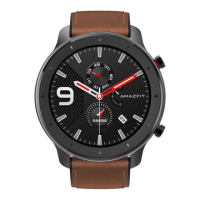
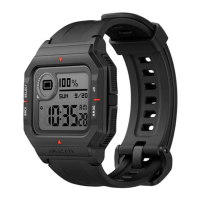
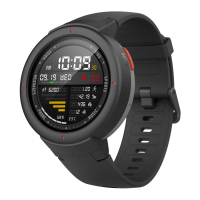
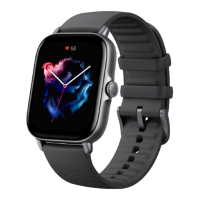
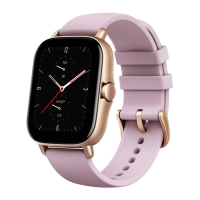
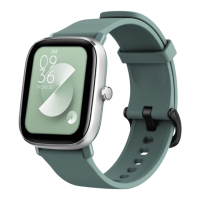
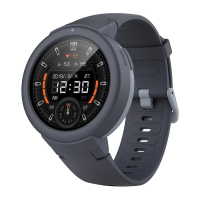
To add online watch faces, perform the following steps:
1. Keep the watch connected with your phone, launch the Zepp app, and choose Profile > My devices >
Amazfit X > Watch face settings.
2. Select a desired watch face, and synchronize it to the watch.
Change the watch face
1. Wake up the watch face, and long press the watch face to go to the watch face selection page.
2. Swipe left or right to preview the watch faces available to the watch, including built-in watch faces and
synchronized online watch faces.
3. Tap the desired watch face to replace the current watch face with the desired one.
Shortcuts
Shortcut page
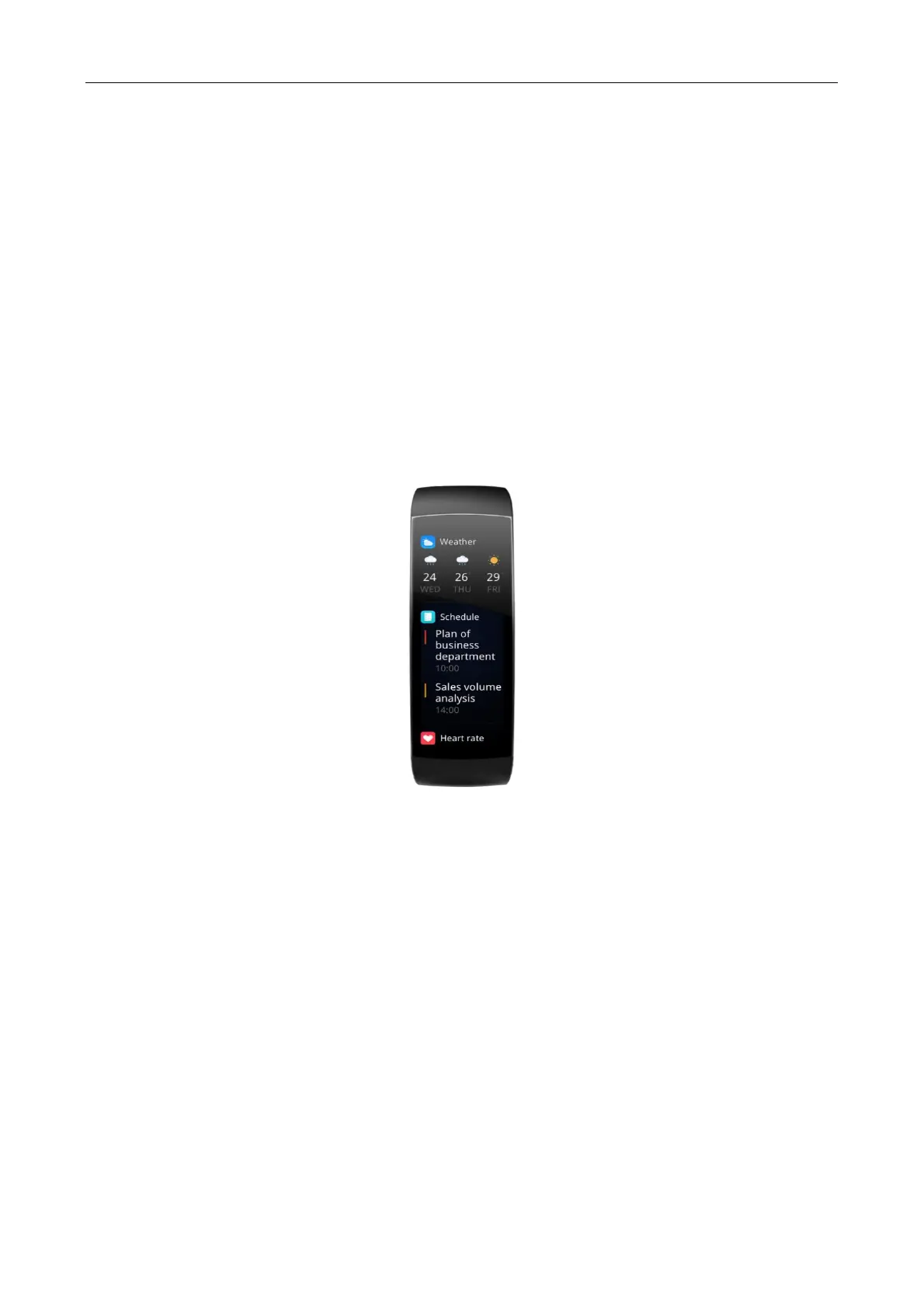
On the watch face page, you can swipe right to go to the shortcut page. Shortcuts for different information or
functions can be added to the same page, including workout, workout record, workout goal, activity goal, heart
rate, schedule, and weather.
Pinching with two fingers to launch an app
On the watch screen, you can pinch the watch face with two fingers to launch a pre-configured app. The workout
app is opened by default. You can also change this app to the app that you frequently use on the Settings page.


 To Next Page