18
EN
Switching the display backlight on/off
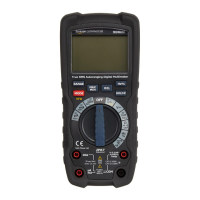
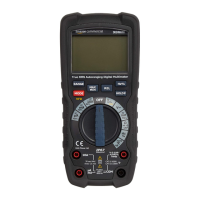
• Press and hold the HOLD / button (G) to
switch the display backlight on/off.
Display hold
• To freeze the display reading, press the HOLD /
button (J). The H indicator (1) lights up.
• Press the HOLD / button (J) again to return
to normal operation.
Changing the measurement range
By default, the measurement range is set
automatically and the Auto Range indicator (7)
lights up. It is possible to set the measurement
range manually.
• Press the RANGE button (C) to activate the
manual mode and to disable the automatic
range setting. The Auto Range indicator (7)
goes off.
• By every press on the RANGE button (C) the
relevant decimal place changes its position.
• If a reading is higher than the measurement
range, OL lights up on the display (A).


 To Next Page