112
Listen to Music
Access the Music app to listen to music from the Cloud or on your phone. Music that you've listened to
recently also appears in the Home screen carousel for easy access.
From the left panel on the Home screen, tap Music. Once in your music library, tap an album to open it,
and then tap a song to play it. You can also access the left panel to view your music by Artist, Album,
Song, or Genre.
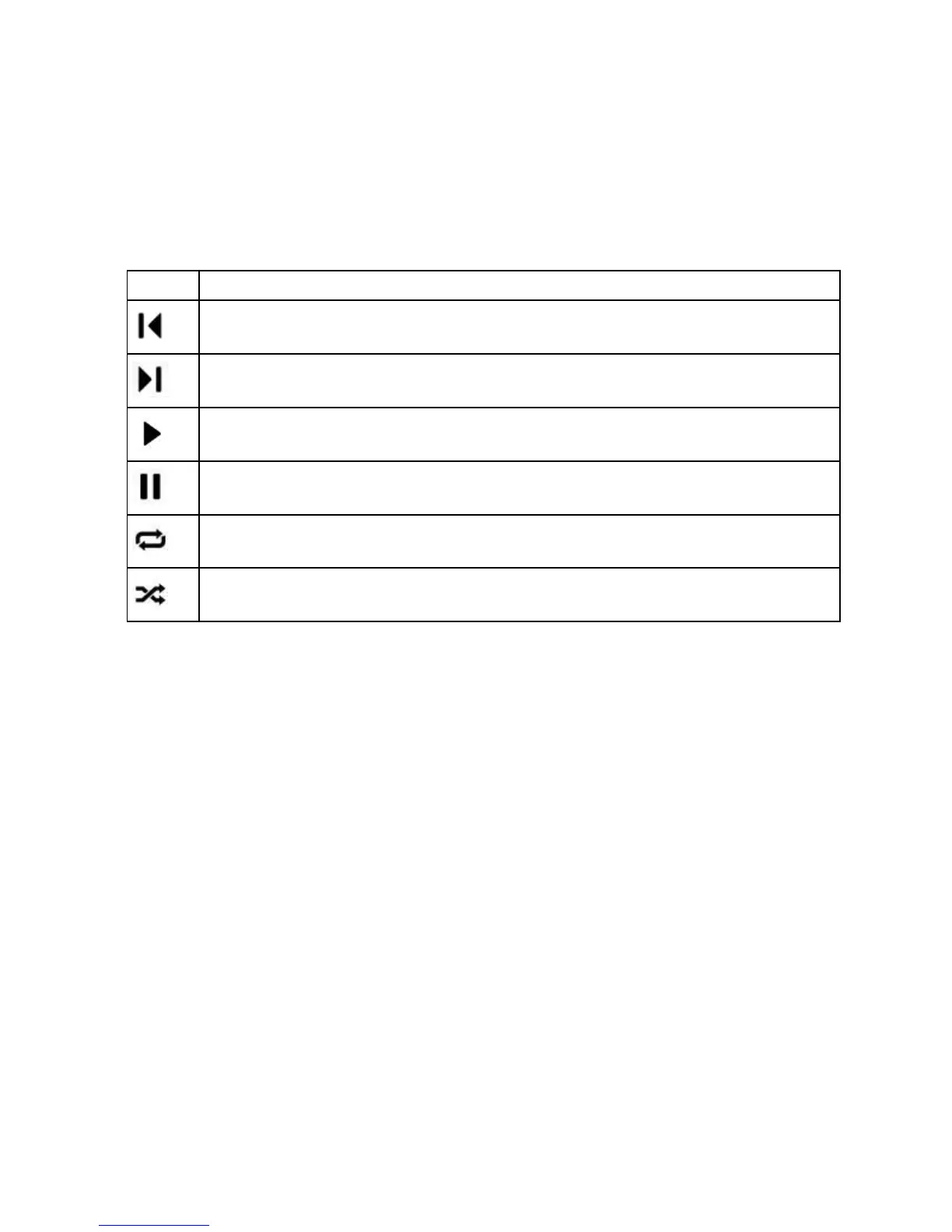
When you listen to a song, use playback controls to customize your listening experience.
Go to the previous track.
Resume playback of the song.
Tap once to repeat all songs in the album or playlist. Tap twice to repeat the current song over and
over.
Shuffle all songs in an album or playlist.


 To Next Page