FEAT URES AN D OPERATION
FE ATURES
1. Self-evaporative system - no external water tank needed
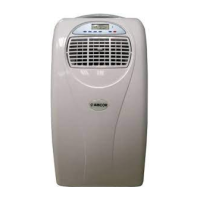
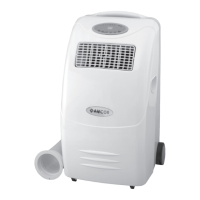
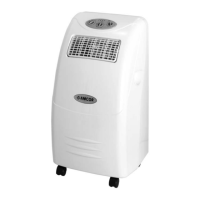
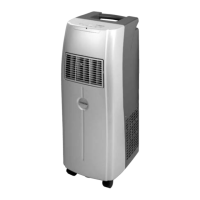
2. Designer inspired luxury model
3. Louvres outlet closes when shutting down the unit, this prevents dust and dirt entering the machine.
4. Bright LED screen, indicates temperature and operation mode
5. On/Off timer function – allows you to choose when the unit operates.
6. Compressor protection technology
O PERATION
6
GB
Co oling Mode
Fan Mode
T imer Mode
On/Off
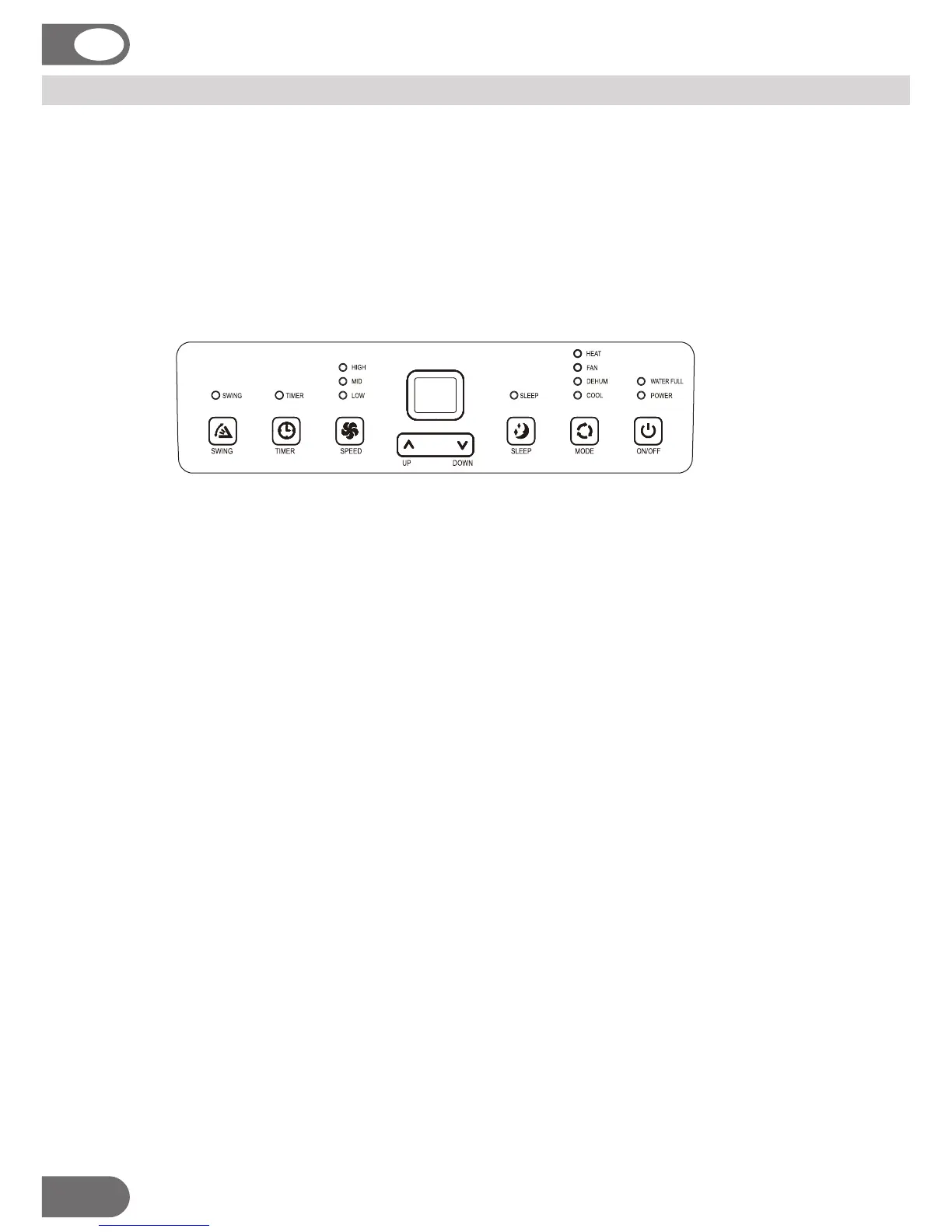
Press “POWER” to switch the unit On or Off
After machine turns on, default value is cooling mode automatic with 22℃ and low fan speed.
Press “ MODE” to select cooling mode, cooling mode indicator turns on .
Press “ UP” or “ DOWN” to adjust temperature ( from 16℃ to 31℃).
Press “SPEED” to select fan speed( high ,medium and low).
Press “ MODE” to select fan mode, fan mode indicator turns on.
Press “FAN” to select fan speed(high ,medium and low).
Temperature and sleeping function cannot be setup.
Dehumidifying mode
Press “MODE” to select dehumidifying mode, dehumidifying mode indicator turns on.
Under dehumidifying mode, sleeping function cannot be setup, and fan speed is low.
Under dehumidifying mode unit does not have to be vented out.
You can only set the auto-shut off timer while the unit is operating (on).
You can only set the auto-start timer while the unit is in standby (off).
Under standby mode, press “TIMER” to setup the power-on time. Timer indicator turns on.
Under power-on mode, press “TIMER” to setup power-off time. Timer indicator turns on.
Under power-on or standby mode press timer key to setup stop / start timer from 1-24.
Timer functions cannot be repeated or combined. Manual power on / off operations will cancel the timer.
Heating Mode (For heat pump model only)
Press “ MODE” to select heating mode, heating mode indicator turns on .
Press “ UP” or “ DOWN” to adjust temperature ( from 16℃ to 31℃).
Press “SPEED” to select fan speed( high ,medium and low).



 To Next Page