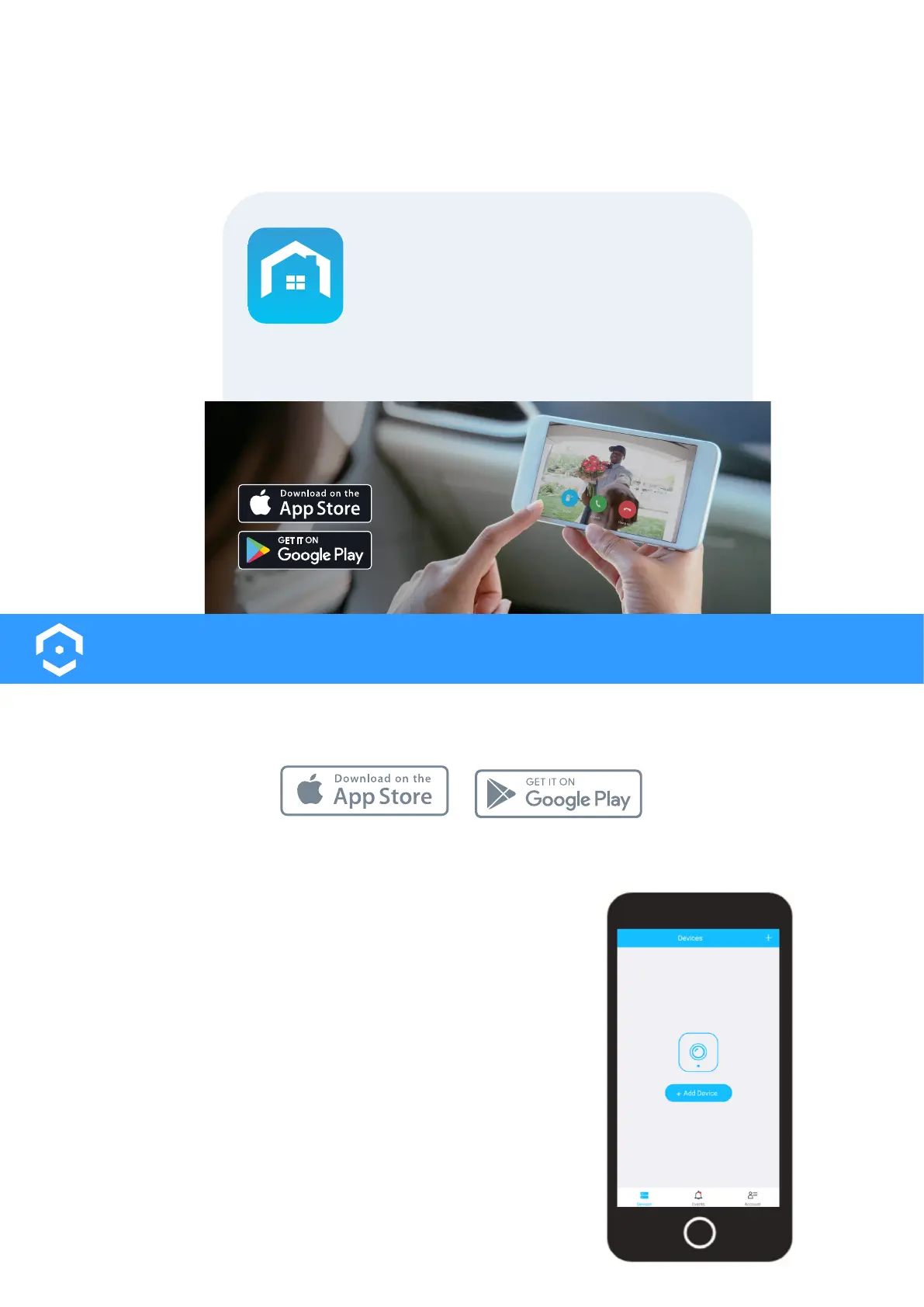
The physical installation is now complete. Turn your breaker back on and the allow the doorbell to power up.
It may take the doorbell up to 2 minutes to fully power up.
Now it’s time to setup the
Amcrest Smart Home App.
To connect your Amcrest Wi-Fi doorbell to your
Android or iOS mobile device, download the
Amcrest Smart Home app and follow the
instructions in the app setup.
Amcrest
Smart Home
T
urn the Breaker Back On
13
Amcrest Smart Home App Setup
The Amcrest Smart Home app connects your Amcrest Wi-Fi doorbell to your Android or iOS mobile device ensur-
ing you are always connected to what matters most.
To get the app, search for “Amcrest Smart Home” in the Google Play or App Store and download.
Open the Amcrest Smart Home app and tap on “Register” to register
an account. Log in and click on “Add Device”.
Connecting to the App












 To Next Page