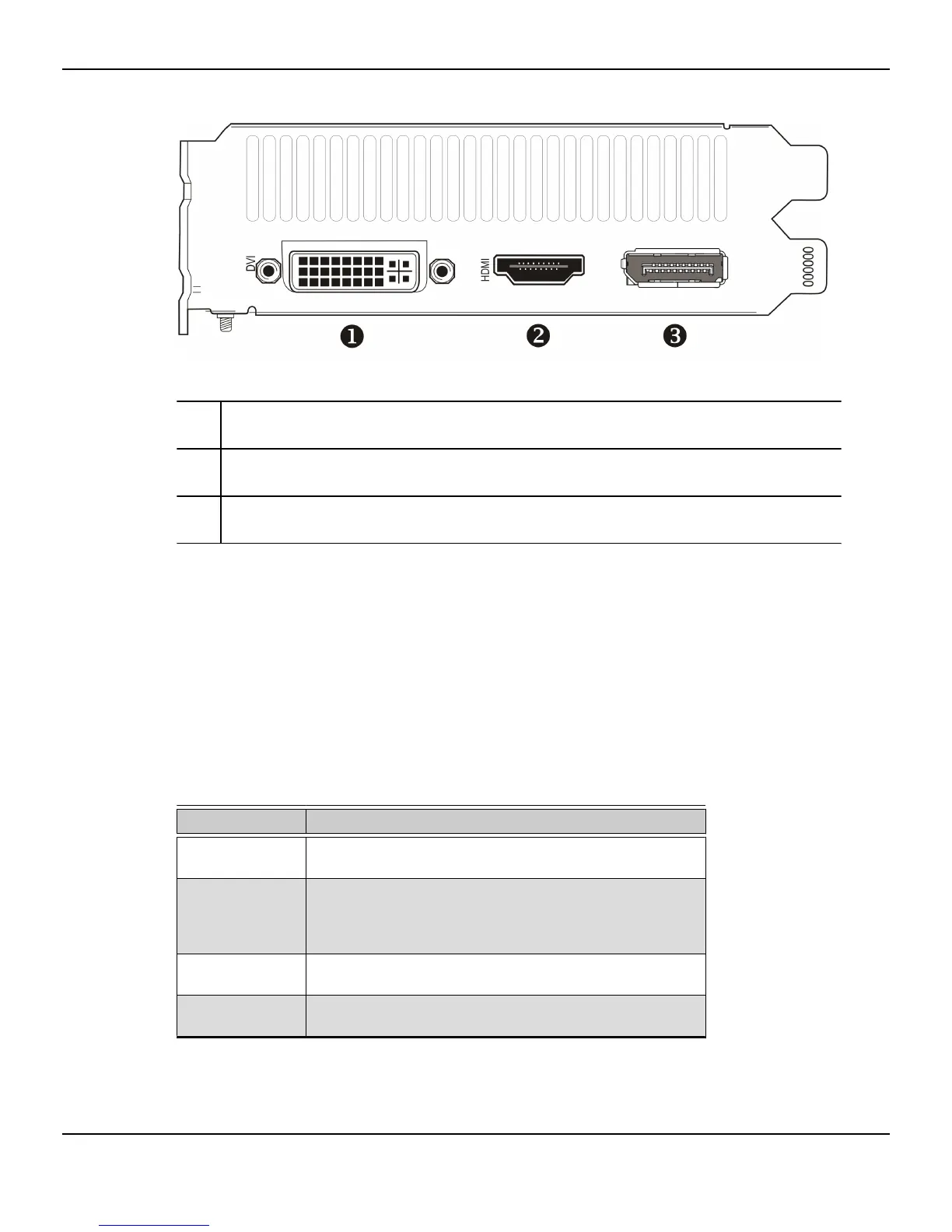
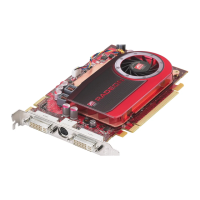
Figure 4–2 AMD Radeon™ HD 7770 Display Connections
1 Dual-link DVI-I connection. Provides video digital signals and HDMI™ output
that is compatible with most HDMI-compliant devices.
2 HDMI connection (Type A). Carries video and audio signals to HDMI-
compliant devices.
3 DisplayPort (DP+) connection. Carries video and audio signals to DisplayPort-
compliant devices.
4.2 Display Configurations
The following table lists options for attaching displays that are indirectly supported by
the connections on your graphics card.
For best graphics performance and quality, always use native connections, when
available.
Note: Adapters not provided with your graphics card can be purchased directly from
AMD's Web site or through your local AMD resellers.
Table 4–1 Supported Display Configurations
Display Connections
CRT analog display
•
DVI connection and DVI-I-to-VGA adapter
•
DisplayPort connection with DisplayPort-to-VGA adapter
LCD display
•
DVI-I connection and DVI cable
•
DVI-I connection and DVI-I-to-VGA adapter
•
DisplayPort connection and DisplayPort cable
•
DisplayPort connection and DisplayPort-to-DVI adapter
HDTV display
•
DVI-I connection and DVI cable
•
DisplayPort connection and DisplayPort-to-DVI adapter
HDMI HDTV
•
DVI connection and DVI-to-HDMI adapter and HDMI cable
•
DisplayPort connection with DisplayPort-to-HDMI adapter
12 Display Configuration
AMD Radeon™ HD 7750/7770 Graphics © 2012 Advanced Micro Devices, Inc.






 To Next Page