14 26-03-2004 123200 03
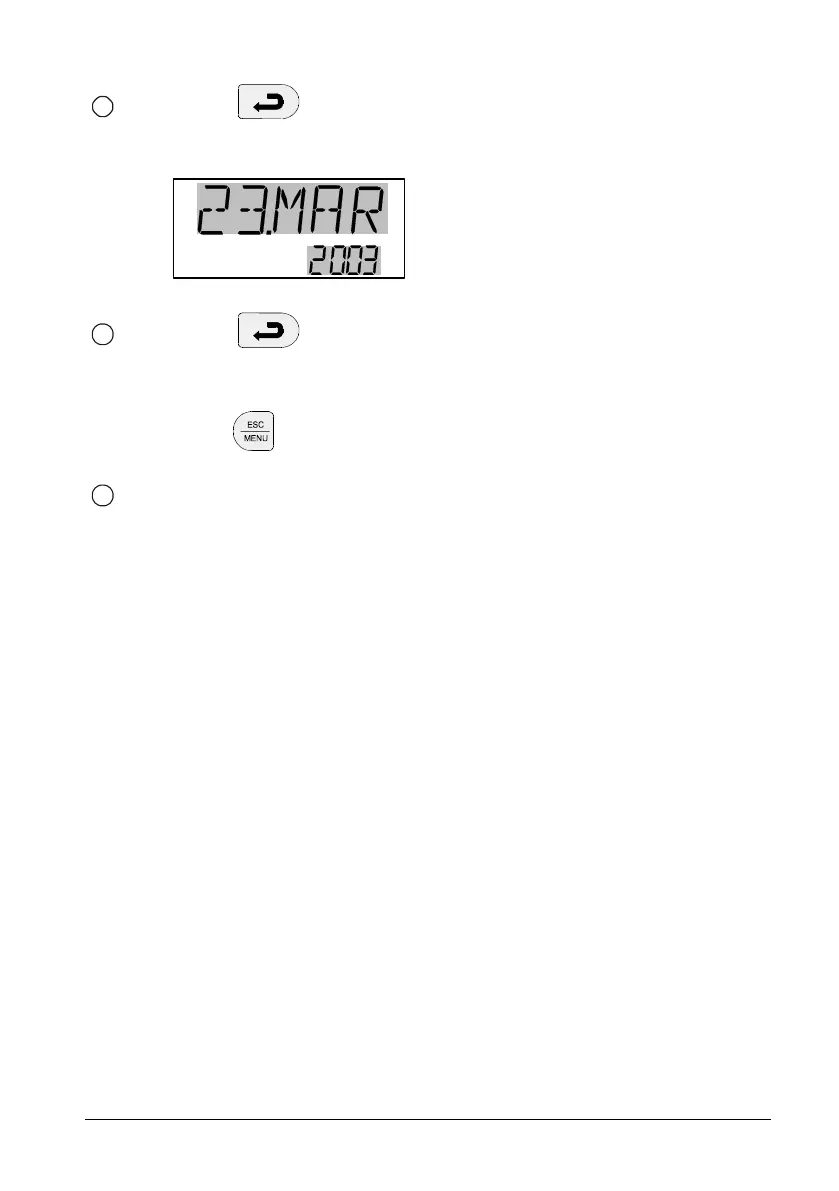
Press to accept your selection. The day will be
adjusted if necessary to ensure the legality of the date.
Finally, the day, month and year will flash:
Press to accept the date.
or
press to cancel the whole selection.
Switch the instrument off and on again using the power
control switch and cool down the instrument.
11
12
13






 To Next Page