12
OPERATION
Before rst use
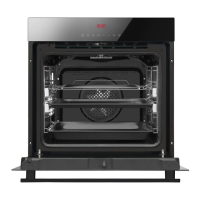
• Remove all packaging elements, par-
ticularly those protecting the interior of
the oven cavity during transport.
• Remove all the accessories from inside
of the oven and wash them thoroughly
in warm water with gentle washing up
liquid.
• Remove the protective foil from the sur-
faces of the telescopic runners.
• Use warm water with the addition of
mild detergent to wash the inside of the
chamber. Do not use hard brushes or
sponges. They could damage the coat-
ing of the inside of the chamber.
Warm up the oven cavity
• Turn on the ventilation in the room or
open a window.
• Select conventional heating or fan
assisted heating (a detailed descrip-
tion of these functions can be found be-
low in this manual).
The oven should operate for a minimum of
30 minutes; while it is operating the oven
produces a smell, which is only present at
the beginning but will eventually go away as
the appliance is used. This is perfectly nor-
mal and is part of the process of warming up
the oven cavity.
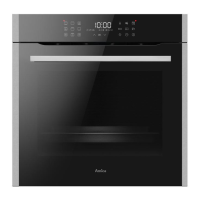
Control Panel
On/o switch is on the right side of the
display. To activate the on/o switch, touch the
glass in the place indicated by a pictogram.
You will hear a beep. (See section: Control
panel).
Touch sensor surfaces must be kept clean.



 To Next Page