User Manual for AML Oceanographic BaseX2
25
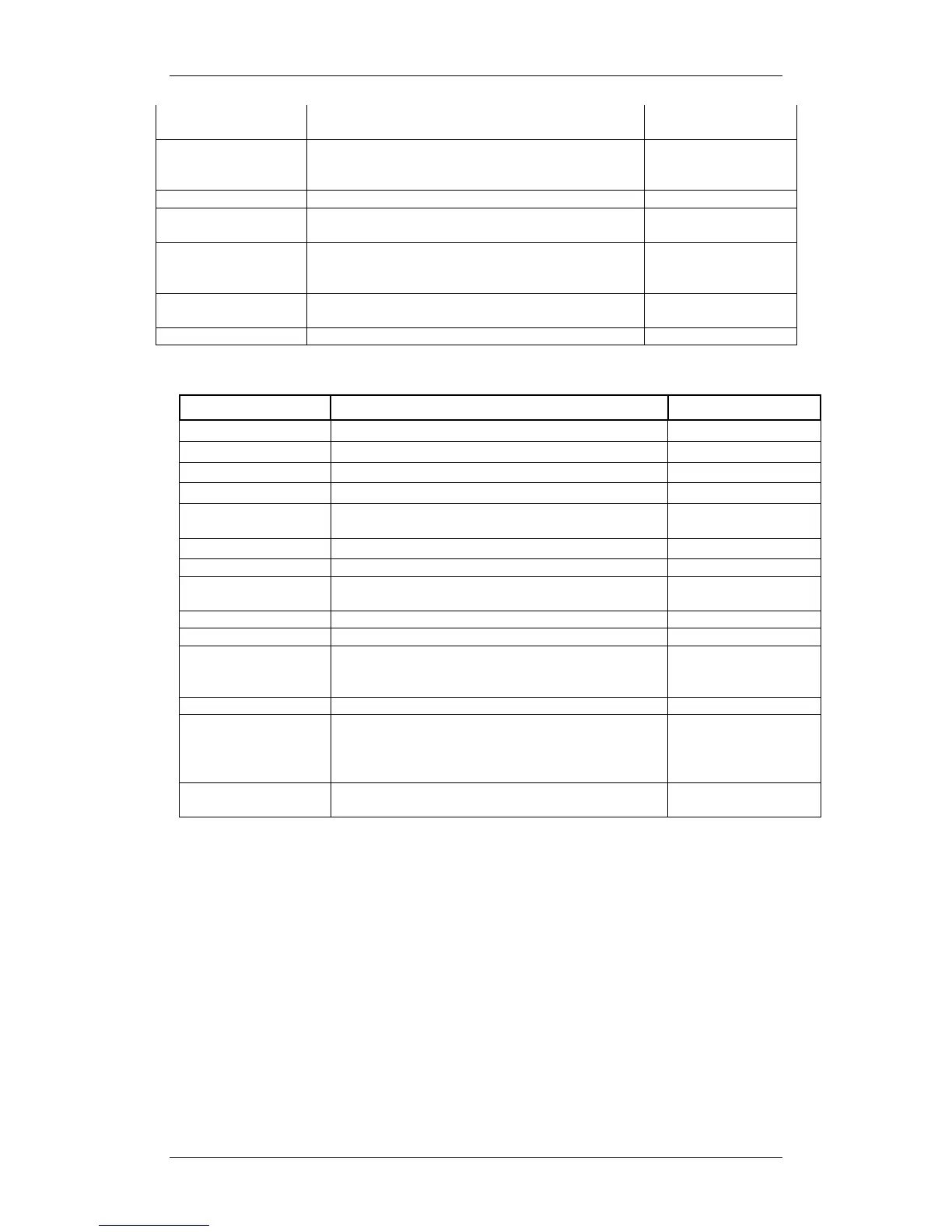
General Commands (must be in instrument mode)
Measures and outputs one scan of data.
Scans at the set sampling rate.
Displays the instrument identification header.
Displays the instrument status and user settings.
Corrects the barometric offset to set zero pressure at
surface for current barometric pressure.
Disables barometric offset.
Displays current time. Time format is hh:mm:ss.ss
Sets instrument time using 24 hour clock in format
hh:mm:ss.ss
Displays the current date.
Sets date using mm/dd/yy format.
Checks each slot in logger board to identify what is plugged
in and displays sensor / board type and serial number or
“empty” for each slot.
Displays battery channel coefficients and shutdown voltage.
Enables communications directly with a sensor board via the
logger board, where n = value from 1-3 that identifies the
slot number of the board to be communicated with. See
DETECT command.
Press CTRL key and C key at same time to exit sensor
board talk mode & return to logger communications.
Puts unit into logging mode from real-time mode. It will
remain in logging mode until power is turned off.
Sets new log file name. tttttttt.ttt = log file name. Name can
have up to 8 characters in length and 3 characters for file
extension.
Clears the instruments logging memory.
Displays list of files in instrument memory and memory
status including amount of memory space free and used.
Dumps the data of the specified logged file defined by
tttttttt.ttt in REAL or RAW format depending on the current
instrument mode.
Erases specified logged file defined by tttttttt.ttt Maximum 8
character name with 3 character extension.
Displays current log file name.


 To Next Page