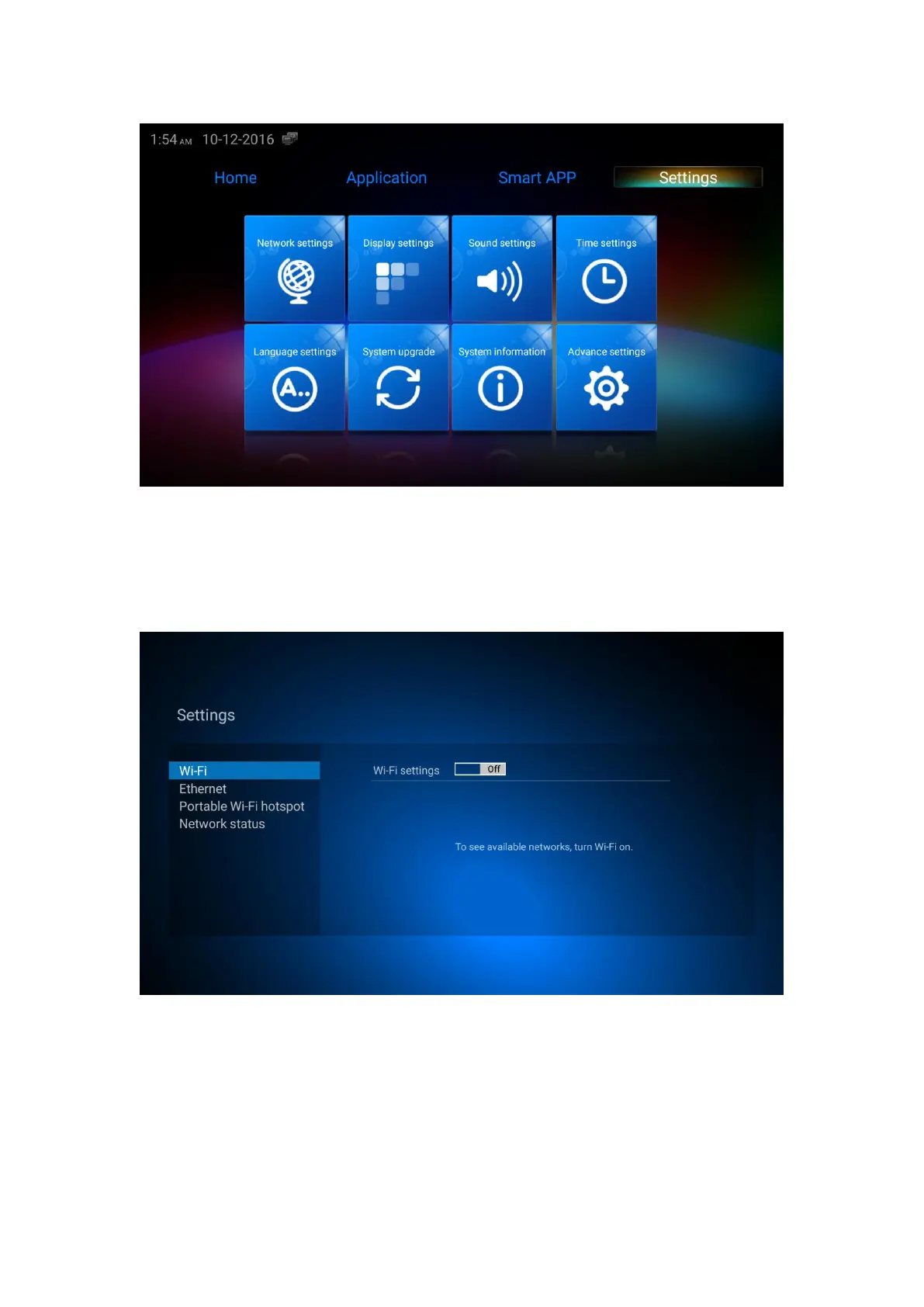
8.1 Network setting
8.1.1 Wi-Fi setting
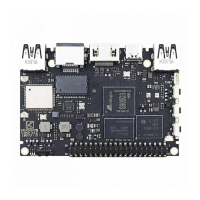
Click ”Network settings”, select Wi-Fi, click Wi-Fi settings button to on or off to open Wi-Fi or
close Wi-Fi.
Open Wi-Fi, waiting till Wi-Fi scanning finished, select Wi-Fi network name from the list,
input password, click “connect”


 To Next Page