EasyManua.ls Logo

AMPULLA Pluto - Page 14

AMPULLA Pluto
33 pages
Print Icon
To Next Page IconTo Next Page
To Previous Page IconTo Previous Page
Loading...
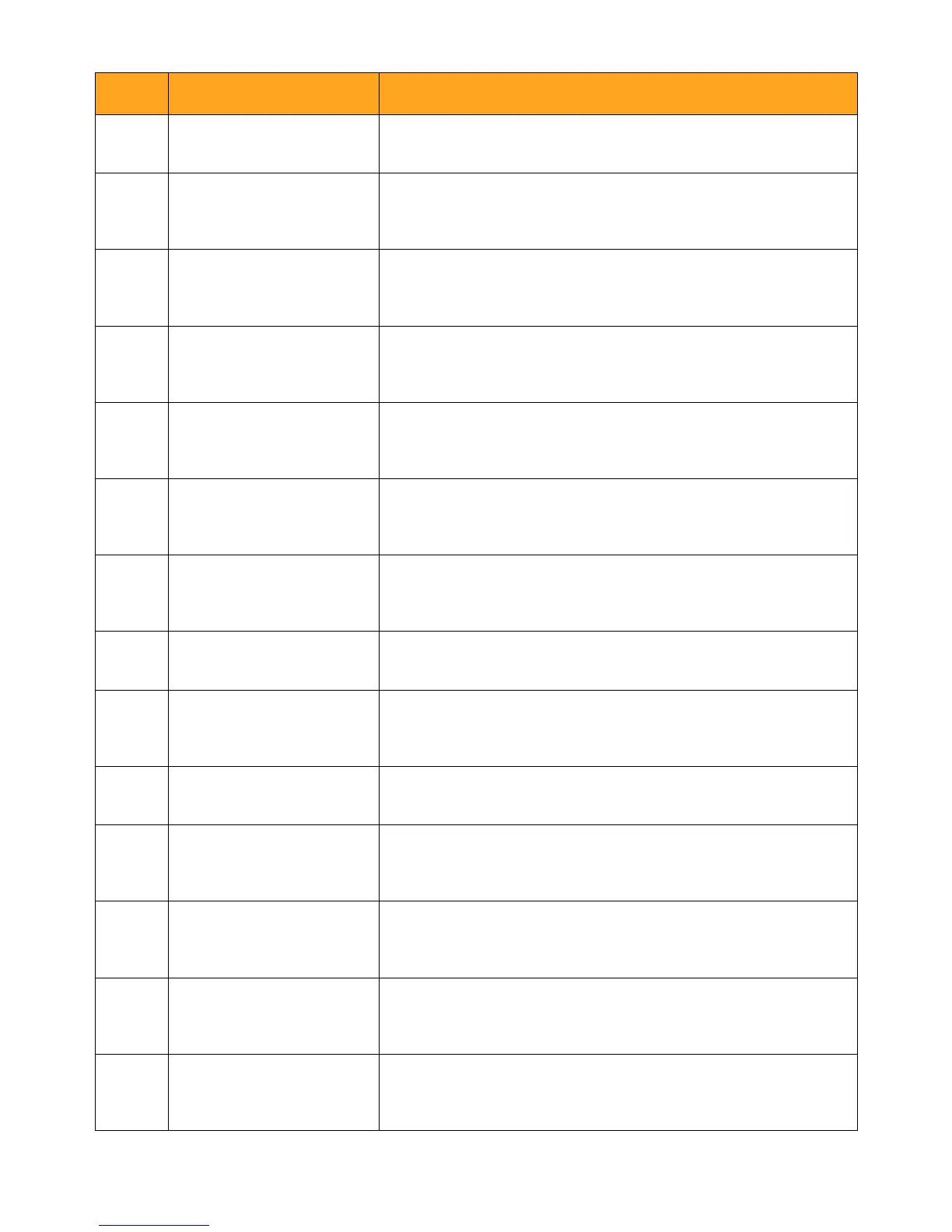
No.
Name
Description
1
Resolution Current video Resolution
2
Recording
Indicator
T
his icon indicates the camera
is currently recording.
3
Record Time
The total recording length of
this trip
4
Video Lock
This icon indicates
the current
video is locked.
5
Battery
It shows the status
of the
battery.
6
Time Lapse
This icon indicates
time lapse
mode is activated.
7
Parking
Monitoring
This icon indicates the Parking
Monitoring is ON.
8
WDR
WDR is on while icon shows up.
9
Microphone
It indicates the Microphone
has
been turned on.
10
Date & Time The current system time
11
Motion
Detection
This icon indicates the Motion
Detection is ON.
12
G-Sensor
This icon indicates the G-
sensor
has been turned on.
13
Loop Record
The number is the length of
each video chip (in minutes)
14
SD card
This icon
indicates the Micro SD
card has been inserted or not.
- 12 -

Related product manuals