8. Basic Operation
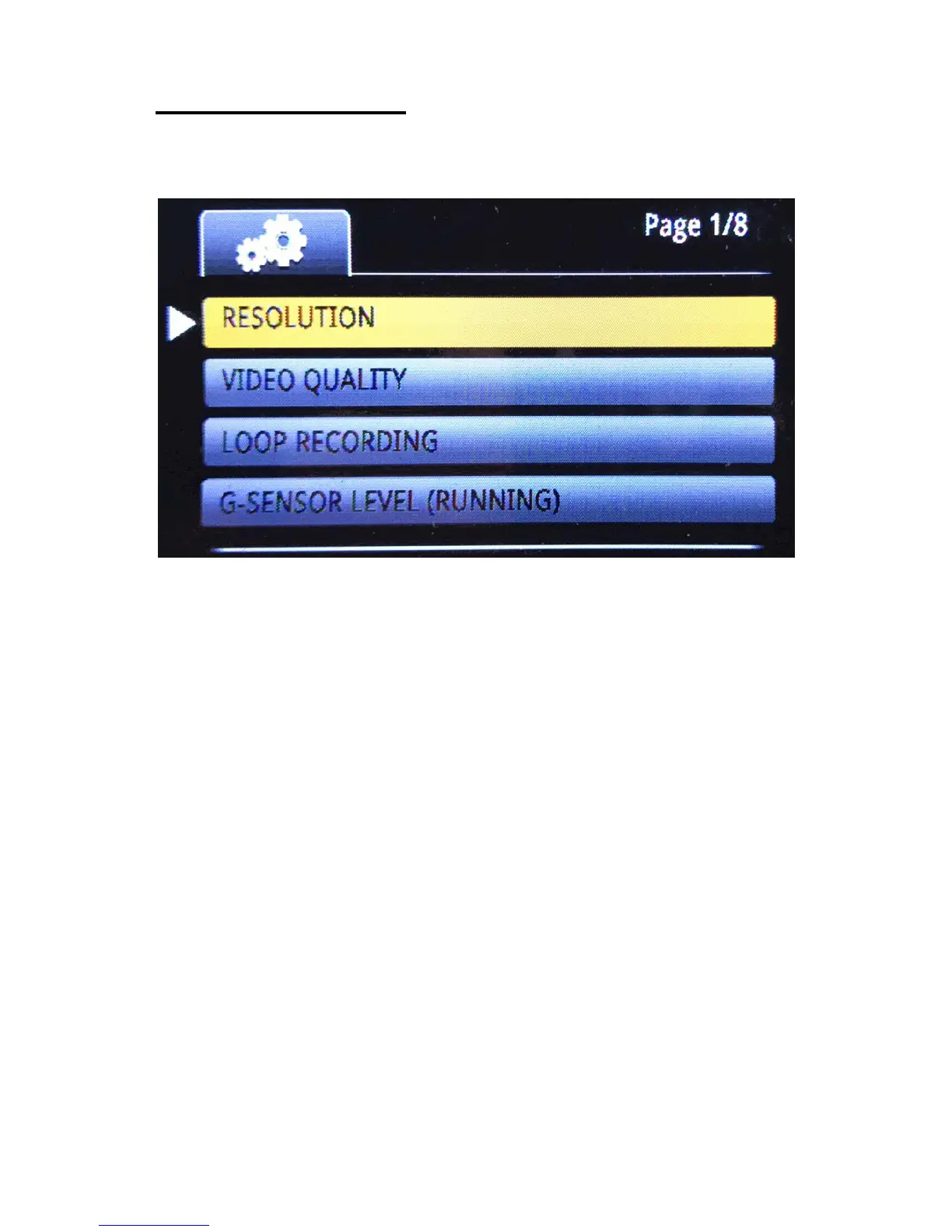
8.1 System Setup in Video Mode
Power/Menu button – Enter/leave menu settings
REC button – Confirm or enter your selection;
Up/Down button – Previous/next selection;
Example: To change the system language
1) Short Press power button to enter settings menu;
2) Press UP or DOWN buttons to find the "Language"
setting (the last one on page 6/8);
3) Press REC/OK button to enter language settings;
4) Press UP or DOWN buttons to select the language you
want to change;
5) Press REC/OK button to confirm your change.
- 13 -



 To Next Page