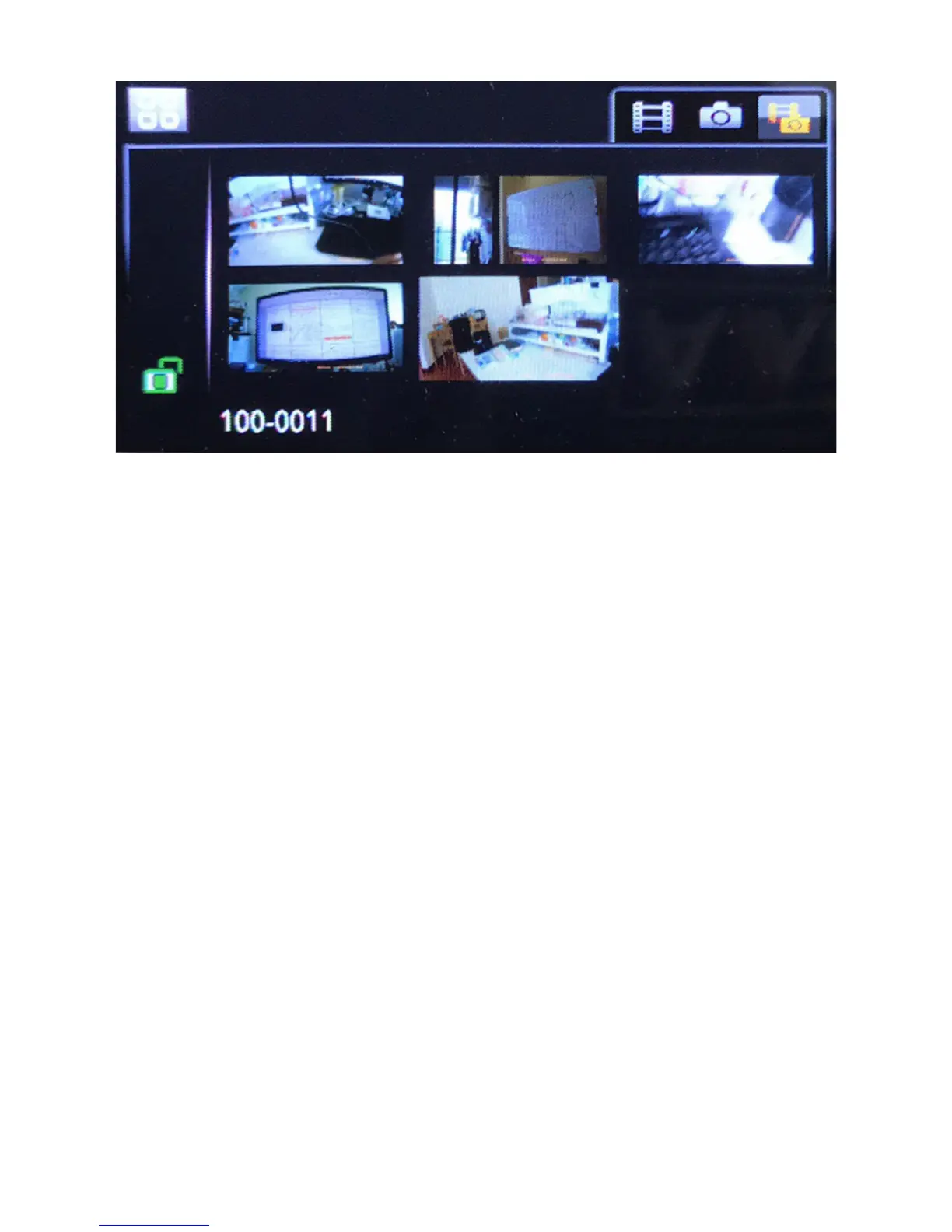
1) Select a video clip to play,
- Press REC button to stop recording if recording;
- Press the Mode button to enter playback mode;
- Press REC button to confirm the selected view filter
- Press UP/DOWN buttons to select the video clip you want
to playback;
2) Operations after confirming a video clip to play;
REC button - Play/pause video;
Mode button - Leave the current video clip and go back to
video selection menu;
UP button - Slow playback (playing) / Previous video clip
(paused)
DOWN button - Fast forward (playing) / Next video clip
(paused)
- 22 -


 To Next Page