24
4) Each operator can accumulate their counting results and obtain own Total count by utilizing ADD key,
however, once counting results are printed out by utilizing of numeric 5 ("START") for User1 and
START/ENTER key for User2, ADD function turned off automatically.
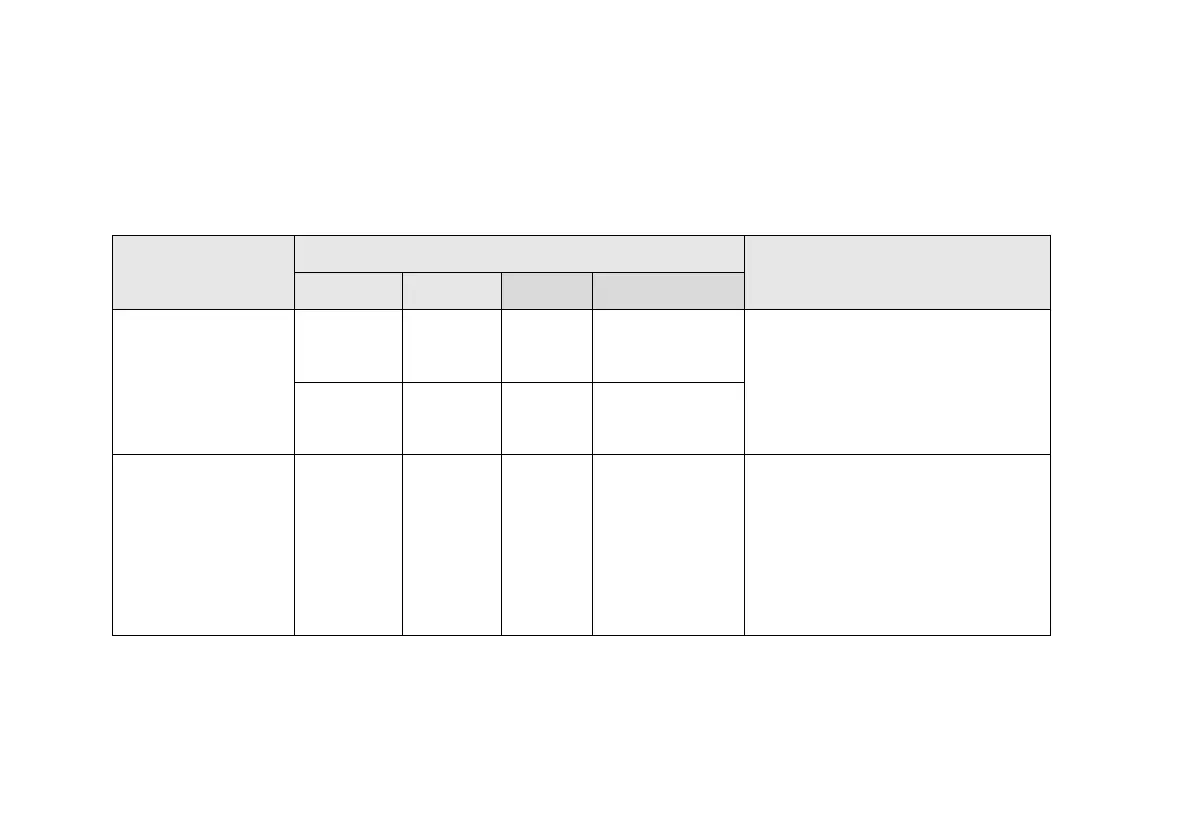
Further, in Dual-User mode, different interface ports located at the rear side of the machine are configured as below:
(See Menu item 4. SETTING in Chapter 7 and submenu “8.DUAL USER SET” at page 34).
*** Specifications above may change without prior notice. Interface software integration must be done by third party
software developer.
“Single” or ‘Dual
User’ Setting
Communication ports
Remark
RS232C USB LAN RJ11
1. Single user
operation
Printer
*1)
USB
Stick)
PC
Customer
Display unit
USB Port is only used for inserting
USB stick for software upgrade.
*1) *2) To print or Transmit data to
PC, press PRINT key
PC
*1)
- PC
*2)
2. Dual Operator
On (Dual user
operation)
Printer /
PC
(User1 or
2)
*3)
PC
(User1
or 2)
*4)
1 Customer
Display Unit can
be connected
To transmit data to PC:
*3) User1 uses ‘START/ENTER’
key
*4) User2 uses numeric ‘5’ key


 To Next Page