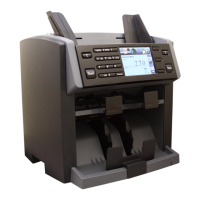
DUAL USER ON
When this feature is turned ON, machine operates as for Dual Users. Each user can connect their PCs to
RS232C port (User1’s PC) and LAN Port (User2’s PC) and sends counting results to corresponding PC.
While both users can share one printer, they have to use different key to print which is, START/ENTER key
(Right side of the control panel) for User1 and numeric ‘5’ (START) key on the left side of the control panel for
User2 (See submenu “Dual User” in Section. 6. Basic Operation at page 23).
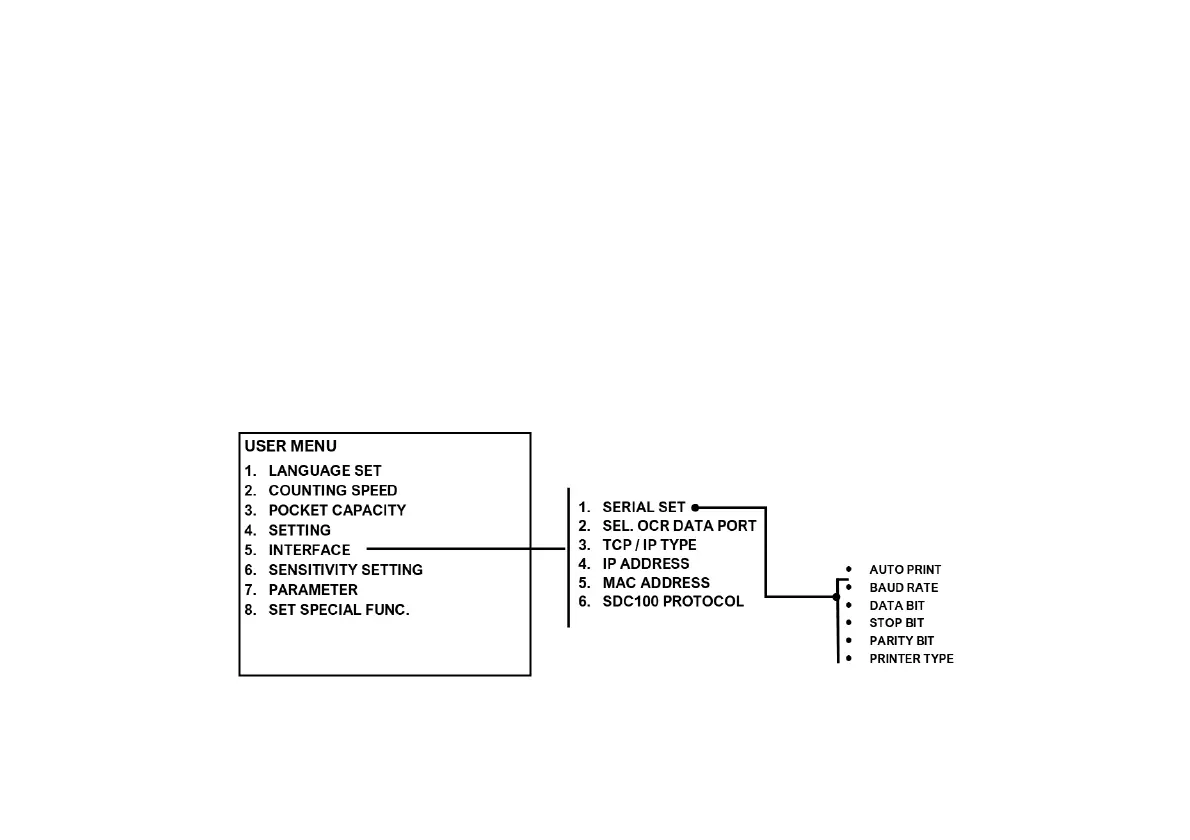
5. PC Interface
Under PC Interface menu, operator is able to set Printer configuration (Baud Rate, Parity, Data Bit, Stop Bit), PC
Protocol or Customer display protocol as well as select AUTO PRINT options as described below:


 To Next Page