46
Troubleshooting:
CHECK FRONT AREA / CHECK REAR AREA
1. Check to see if any banknote remains inside.
2. Close the cover until it clicks and locked in place.
3. Press "C" to Clear and Exit.
CLEAR HOPPER
1. Remove any remaining banknotes on the Hopper.
2. Press "C" to Clear and Exit.
FEED MOTOR, FEEDING ERROR, JAM1, JAM2, and JAM3*
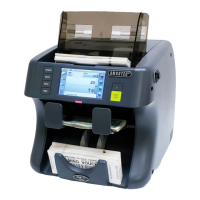
1. Remove any remaining banknotes on the Hopper or from the feeding path.
2. Press "C" to Clear and Exit.
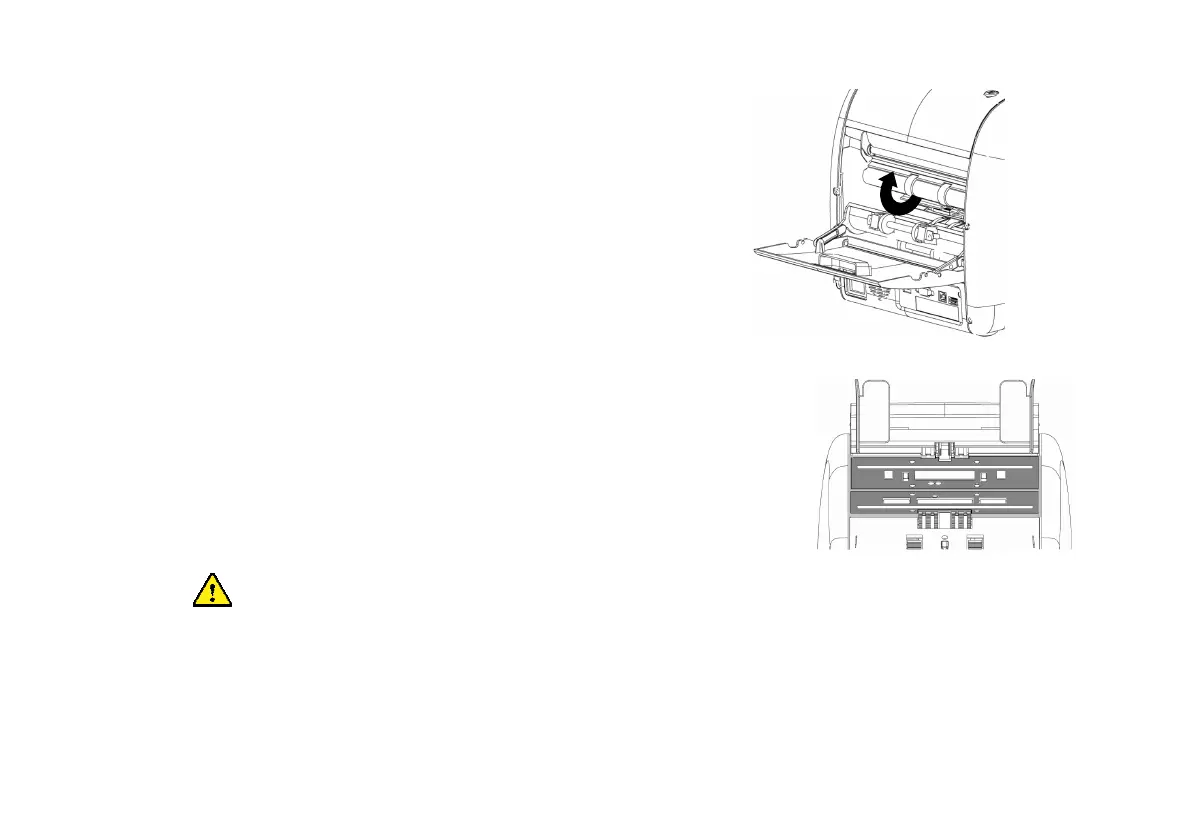
In case of JAM3 error (Jam occurred near SP sensor) and as a result, if the banknote is tightly jammed and
not easy to remove it from the front, then please open the rear cover and turn a roller in reverse direction by
hand to remove the badly jammed banknote.


 To Next Page