Troubleshooting
Technical Service Manual
Copyright 2009, AMS, Proprietary Information, All Rights Reserved 8-4
P/N 0010-0667, Rev. A
6.1 SERVICE PROMPTS
An Error Code will appear in a yellow box on the main display. When these error codes
appear, the operator should accurately record the complete problem number and contact
the Customer Care or call your local GreenLight distributor.
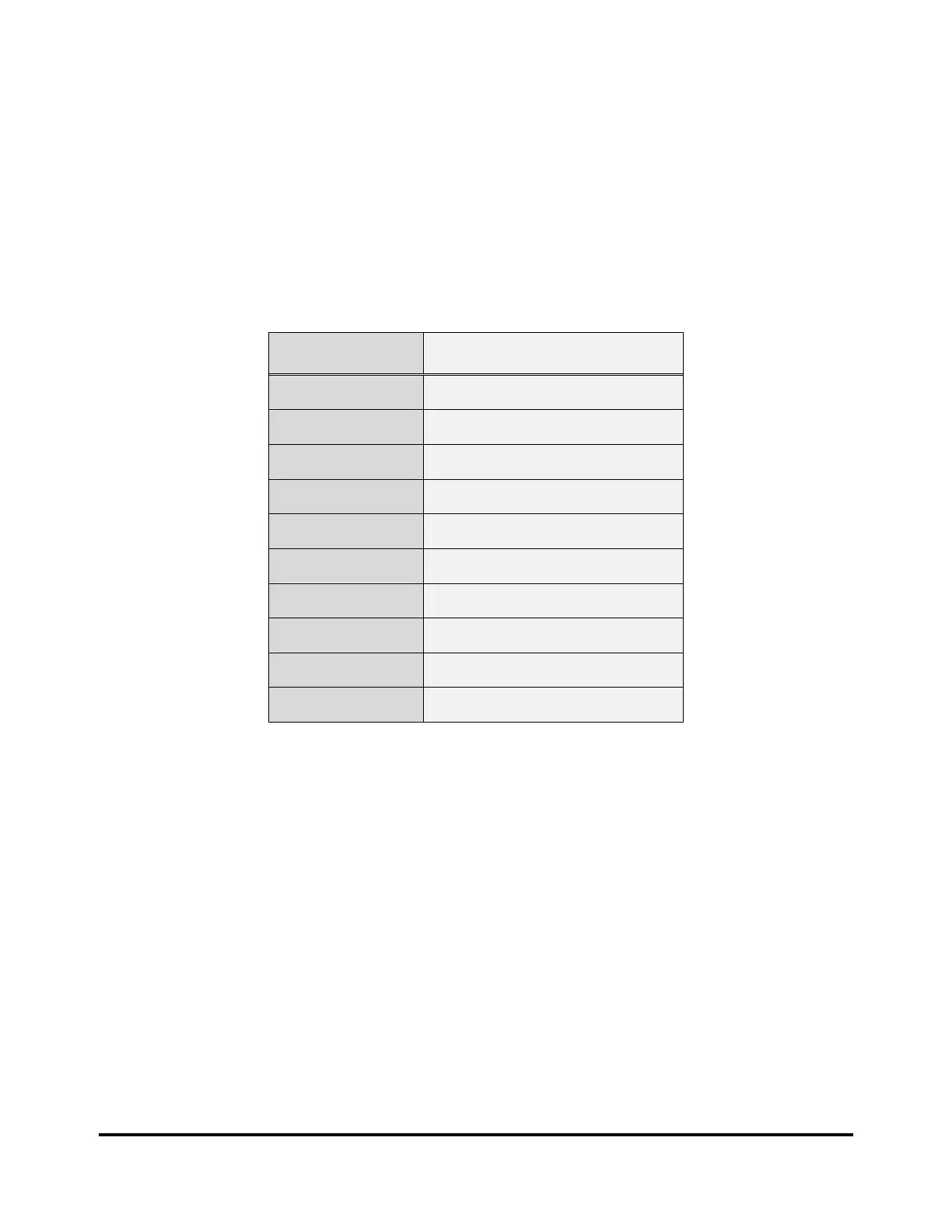
Error Codes are three or four digit numbers. The right two digits identify a specific problem.
The remaining digit(s) on the left indicate the error group. These groups are described in
the following table.
Error Group Description
100 Resonator
200 Laser Power Supply
300 Master Control Board
400 Data Log
500 Display Assembly
600 Chiller
700 Q-Switch Driver
800 System
900 Peripherals
1000 Software
NOTE:
Courtesy Messages: Correct the problem as indicated in the Courtesy Message
table above and continue the procedure.
Service Prompts: The system can be reset if you see the message “Press Here
to Continue”. If the system cannot reset itself, then it will require
servicing before it can be used again.


 To Next Page
 Loading...