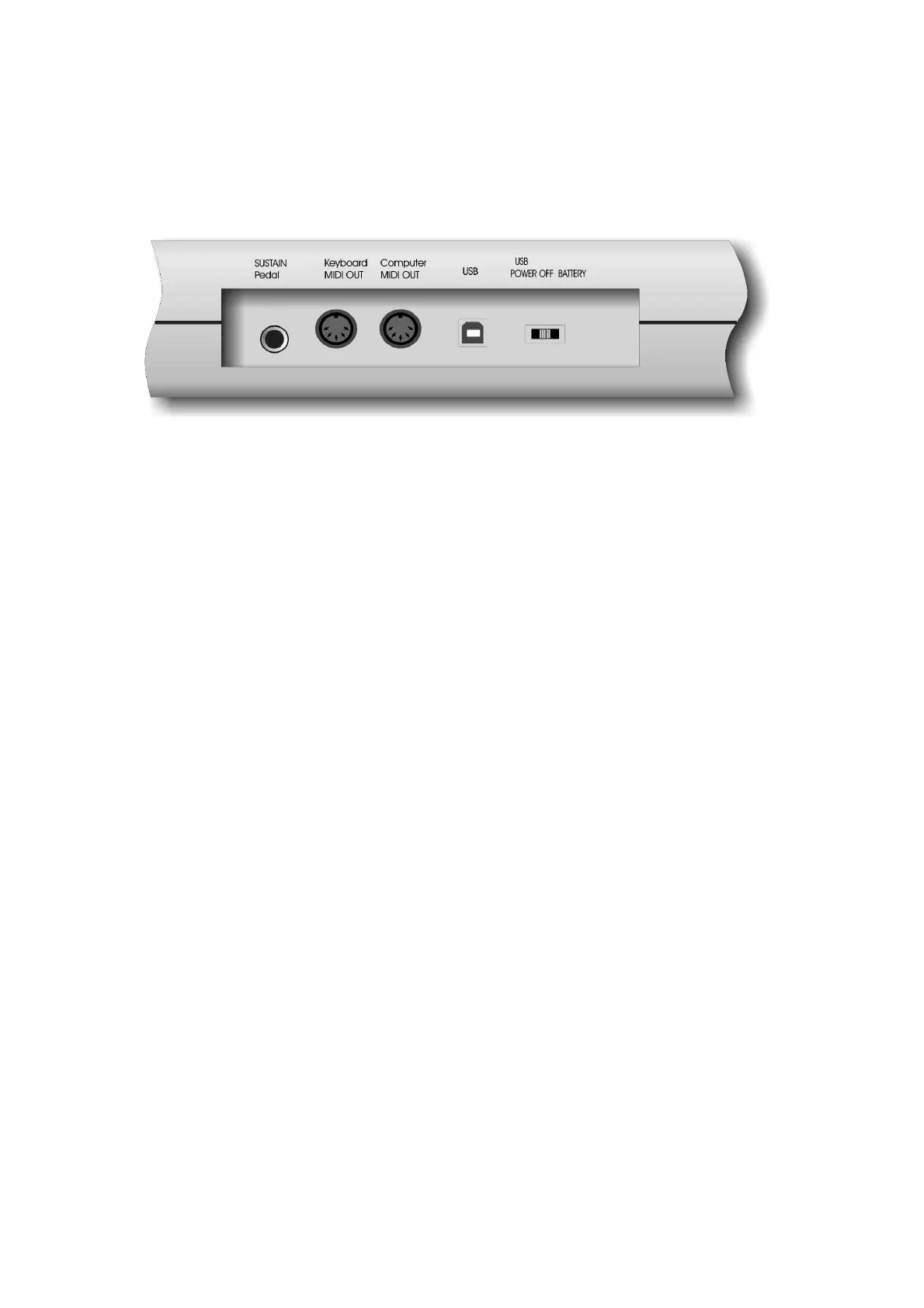
Rear Panel
Sustain jack
This jack allows you to connect an optional Sustain Footswitch to the keyboard.
MIDI OUT jacks
This standard MIDI jacks is used to send MIDI messages to another MIDI instrument (such as
sound module).
USB Port / power port
This jack is used to connect the keyboard with the computer, to get power and send MIDI
messages directly to the sound card.
Power switch
The 3-way power switch turns the keyboard's power to USB power or Battery or power off.
The keyboard has a build in EE-Prom
Store for saving all settings.


 To Next Page