TOUCH KEYBOARD
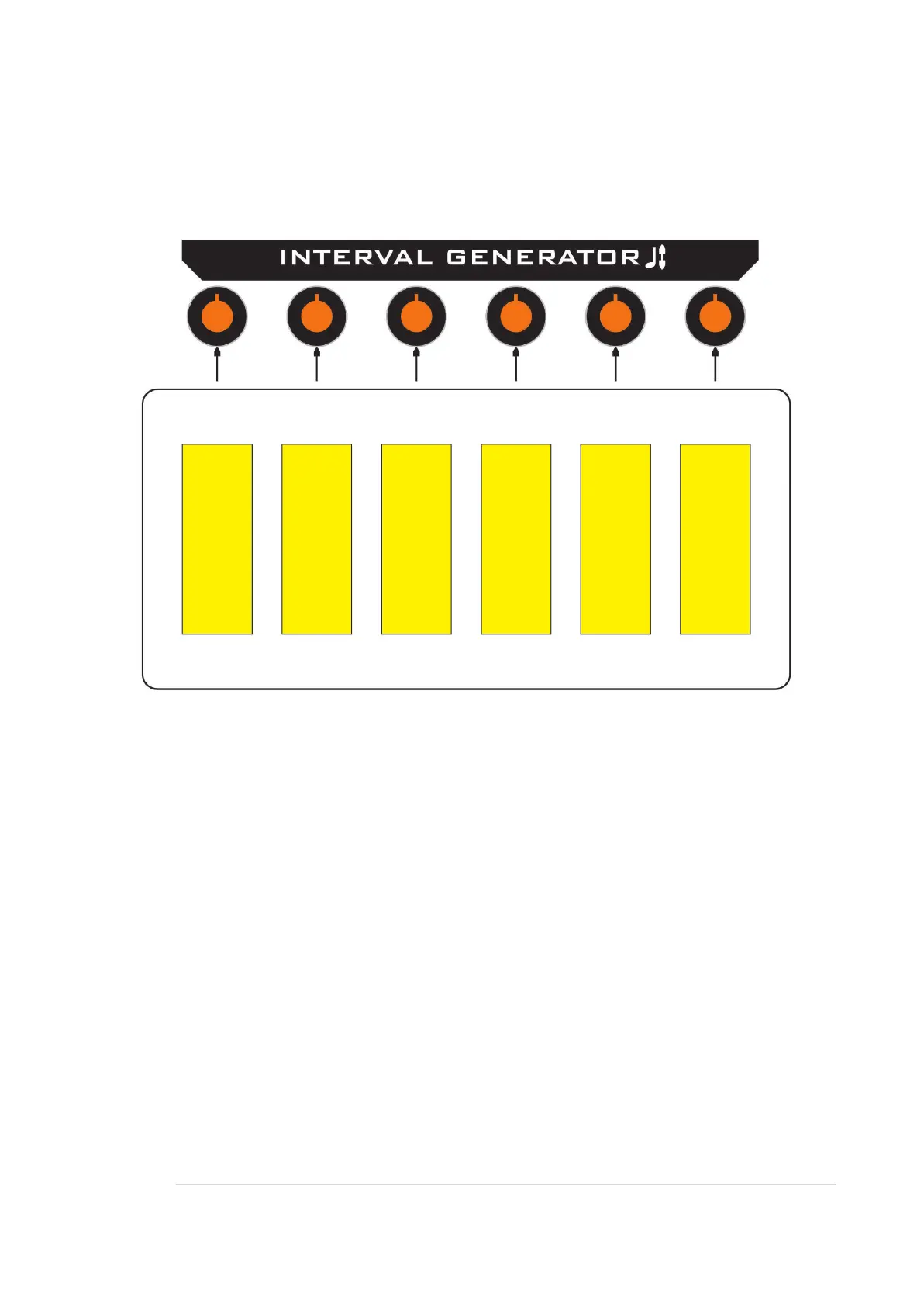
The touch keyboard is used for live interaction, and provides six user definable
voltages that you can select by pressing a key.
Above each key is a control, use this to set a voltage for the associated key.
When a key is pressed, its LED will light and the voltage set will be sent to the patch
bay TOUCH column.
Some examples of use:
Transpose the step sequencer / pitch.
Preset levels of filter cut-off.
Preset levels of pitch on individual VCOs, for defined cross modulation levels.
Note, the keys are to provide voltages and does not generate triggers.


 To Next Page