6
To start using your SN30 controller (not included) with a Retro Receiver for SNES (not included) please see the instruc-
tions below.
Pairing to Retro Receiver for SNES with your Super Nt:
1. Hold start for 3 seconds to power on your SN30 controller
2. Press pairing button on Retro Receiver to pair new controller
3. Wait until both LEDs are solid blue
4. Your controller is now paired
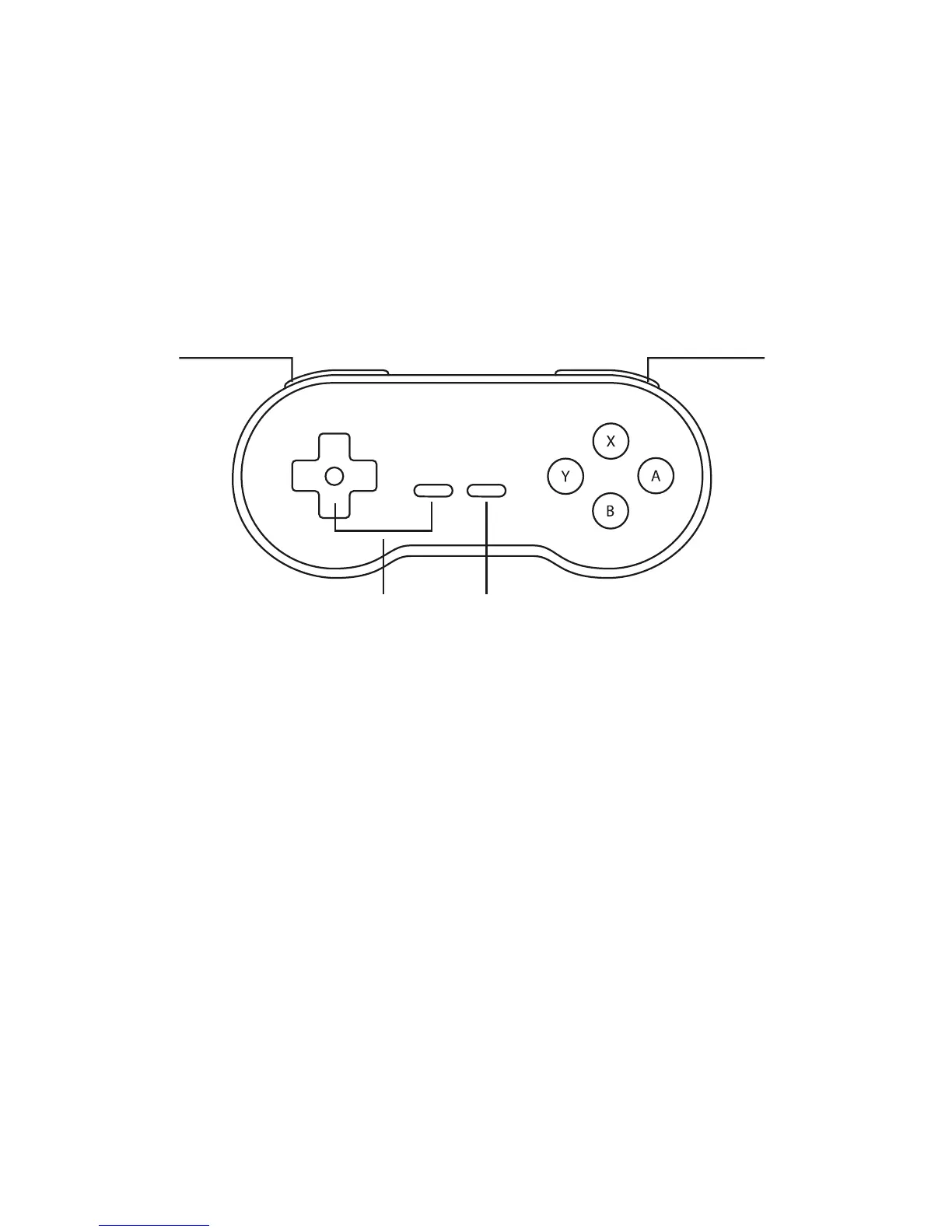
START (hold to power on/off controller)
DOWN + SELECT
(access menu)
R
L


 To Next Page