ADM, HBOT & Sub Aspida
User Manual Int. Approved
Document ref: PSA-811-14 June 2017 Page 17 of 43
Copyright © 2017 Analox Ltd. All Rights Reserved.
Commercial in Confidence
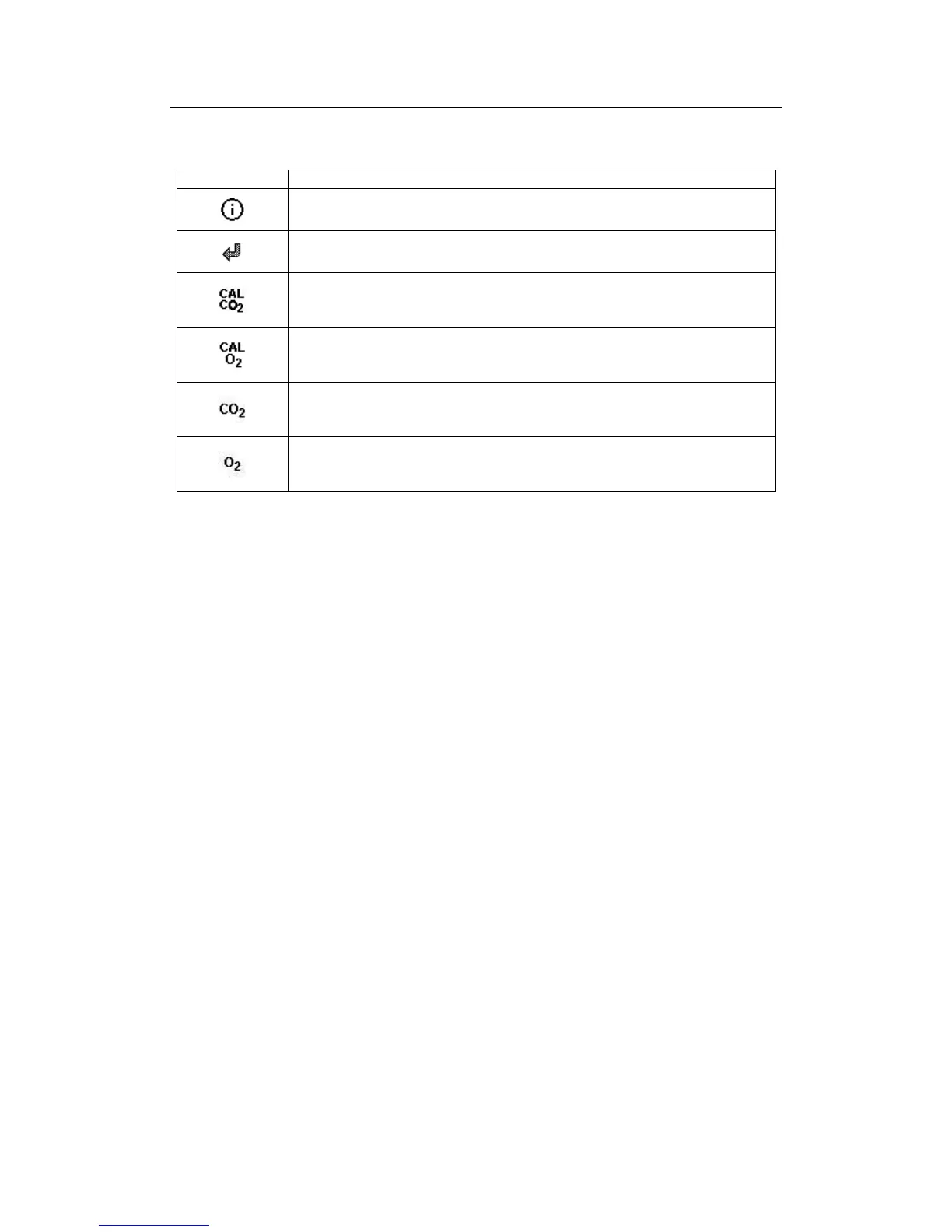
5.8 Common menu items
Information - Selecting this menu item will display a screen with information
related to the specific device, such as serial number and firmware version.
Back - Selecting back exits the menu and returns to the main gas display.
Carbon dioxide calibration - (carbon dioxide configurations only) Select this
option to perform a calibration of the carbon dioxide sensor. This feature is
described in further detail in the section 6.3.
Oxygen calibration - (oxygen configurations only) Select this option to perform
a calibration of the oxygen sensor. This feature is described in further detail in
the section 6.3.
Carbon dioxide sensor information - (carbon dioxide configurations only).
This option displays a page which gives information about when the sensor is
next due a calibration.
Oxygen sensor information - (oxygen configurations only). This option
displays a page which gives information about when the sensor is next due a
calibration and also when replacement of the sensor is due.


 To Next Page