- 8 -
◆Manual Mode:Short press Light button at manual 仅在
mode to activate lighting; Short press again to cancel
lighting function.
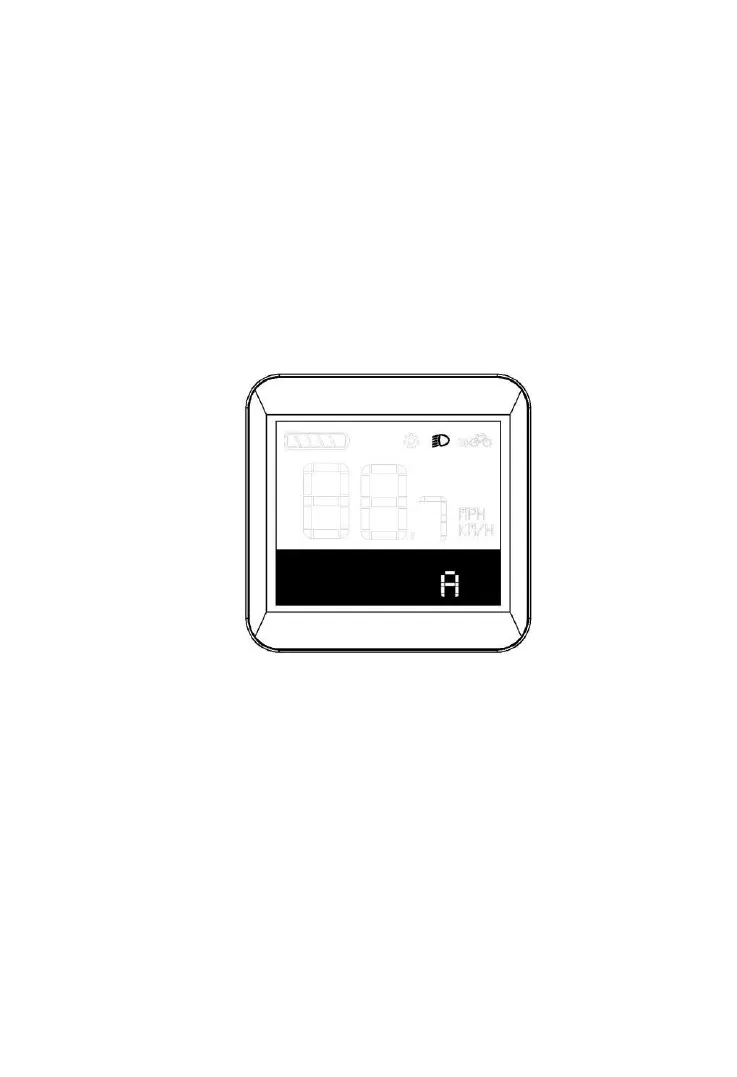
Shift between Auto/Manual Mode: Press and Hold on
lighting button for more than 2s for shift(Default set
when display turned on is auto-mode, for which letter
”A” is showed in the screen, which is turned off when
shifted to manual mode..
Auto-mode interface



 To Next Page