- 5 -
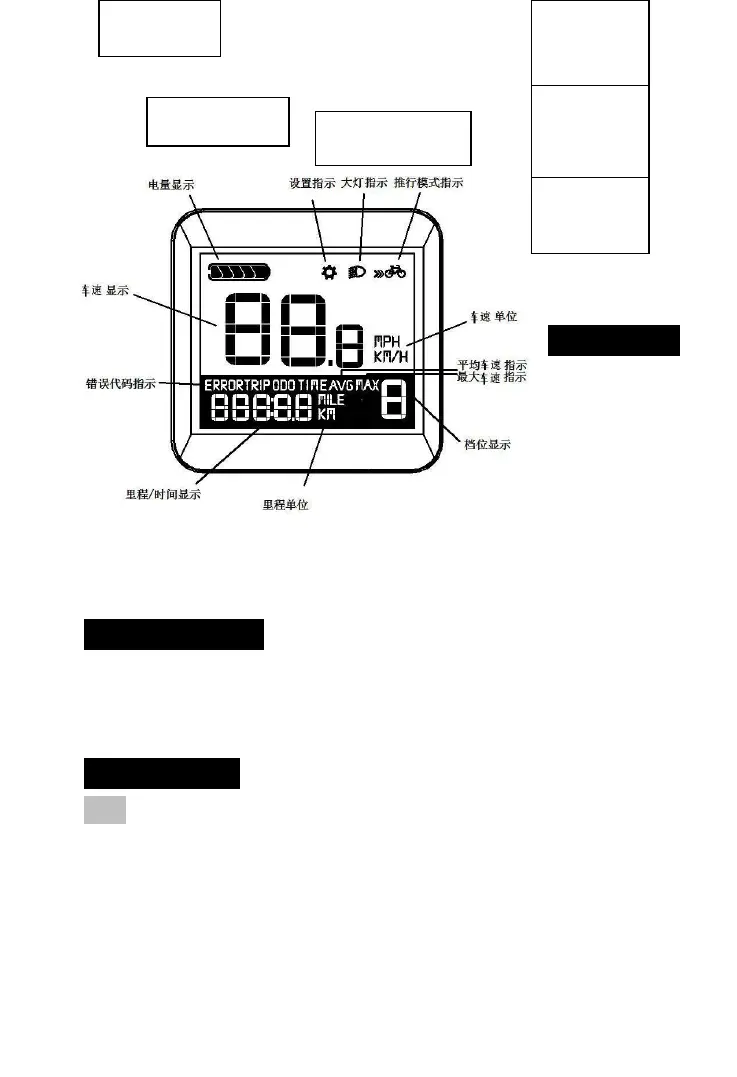
UI of
the
Display
5. Warnning
Please
be careful
to use the
display
safely, Do
not disconnect it when power is on; Avoid knock or
crash.
Have it repaired if not working properly.
6. Installation
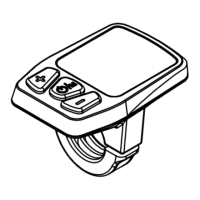
D10 is a LCD display, please fix it around the
handle bar, Then connect it with controller and control
button.
7. Operations
7.1 ON/OFF
◆Press battery Power On button for activation if
battery is off, then display is turned on.



 To Next Page