Pending Codes are also referred to as "maturing codes" or "continuous monitor
codes". They indicate problems that the control module has detected
during the current or last driving cycle, but are not considered
serious,
yet. Pending Codes will not turn on the malfunction indicator
serious, yet.
Pending Codes will not turn on the malfunction indicator up cycles, the code
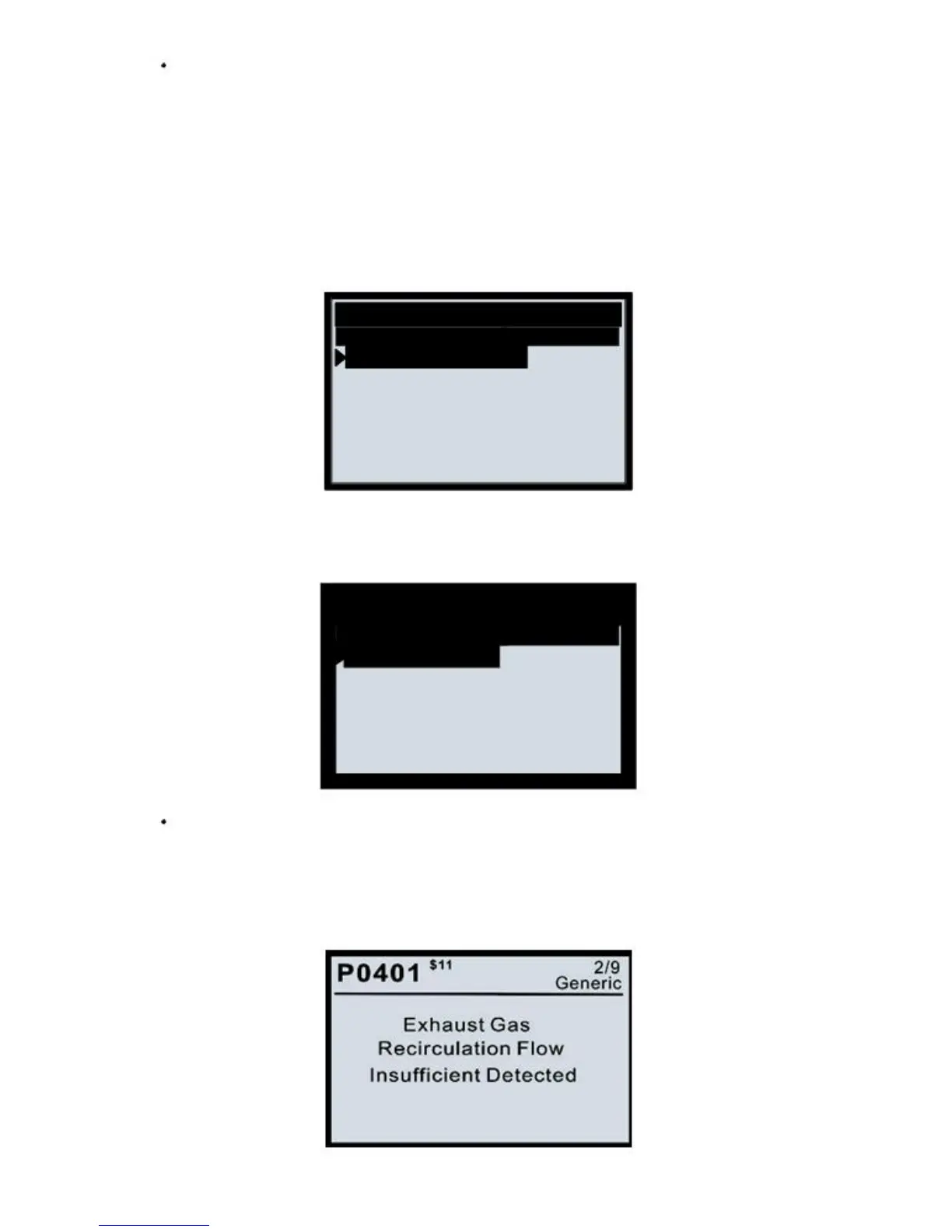
1) Use the UP/DOWN scroll button to select Read Codes from the Diagnostic
2) Use the UP/DOWN scroll button to select Stored Codes or Pending Codes from
the Trouble Codes menu and press ENTER.
If there are no Diagnostic Trouble Codes present, the display indicates
"No (pending) codes are stored in the module!" Wait a few seconds or
press
any key to return to the Diagnostic Menu.
3) View DTCs and their definitions on screen.


 To Next Page