CAUTION: Don't connect or disconnect any test equipment with ignition on
1) Turn the ignition off.
2) Locate the vehicle's 16-pin Data Link Connector (DLC).
3) Plug the scan tool cable connector into the vehicle's DLC.
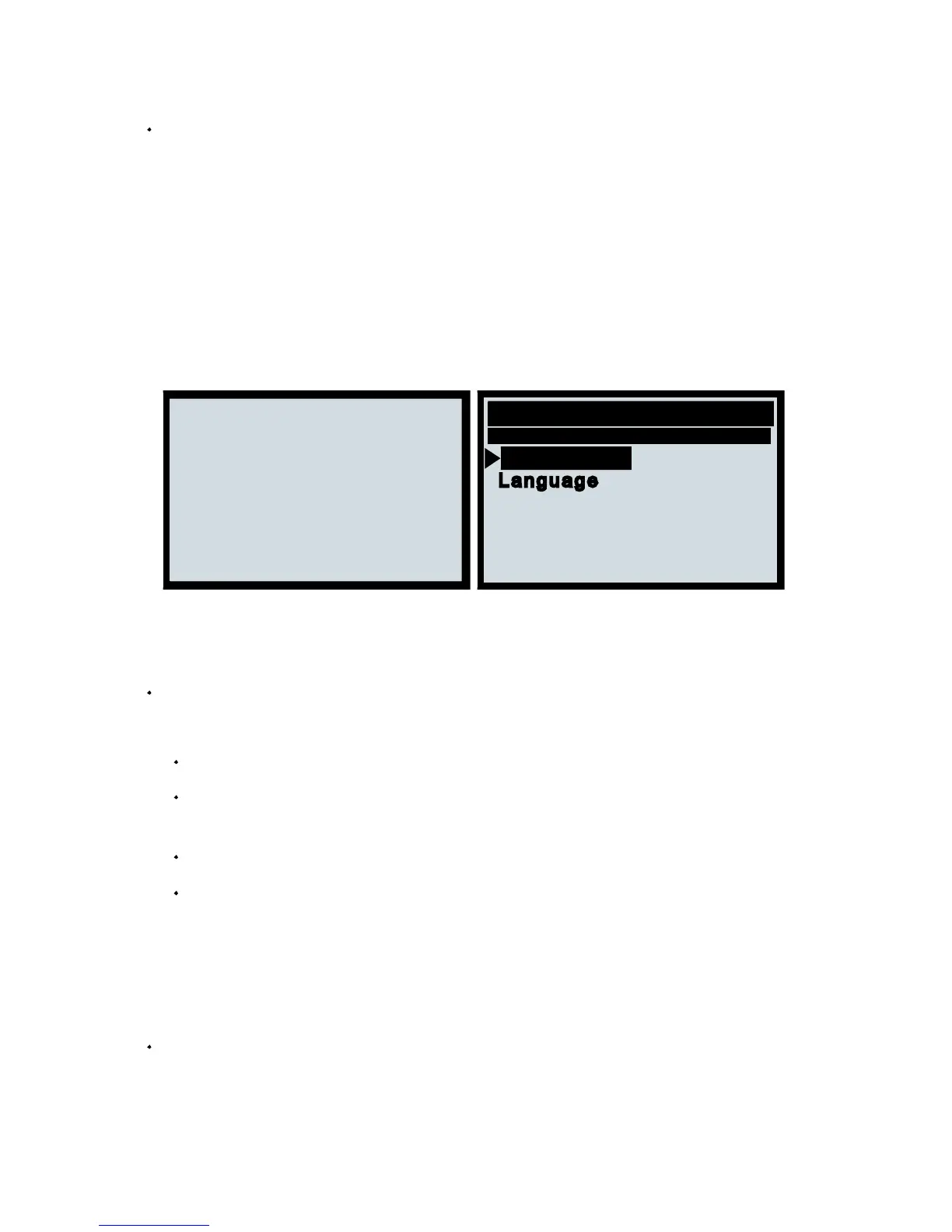
5) Press ENTER to enter Main Menu. Use the UP/DOWN scroll button to select
Diagnostics from the menu.
Turn the ignition on
Language
Press any key to con.
Contrast
6) Press ENTER to confirm. A sequence of messages displaying the OBD II
protocols will be observed on the display until the vehicle protocol is detected.
If the scan tool fails to communicate with the vehicle's ECU (Engine
Control Unit), a "LINKING ERROR!" message shows up on the display.
Verify that the ignition is ON;
Check if the scan tool's OBD II connector is securely connected to the
Verify that the vehicle is OBD II compliant;
Turn the ignition 'off' and wait for about 10 seconds. Turn the ignition back to 'on'
and repeat the procedure from step 5.
Stored codes are also known as "hard codes" or "permanent codes".
These codes cause the control module to illuminate the malfunction
indicator lamp (MIL) when an emission-related fault occurs.


 To Next Page