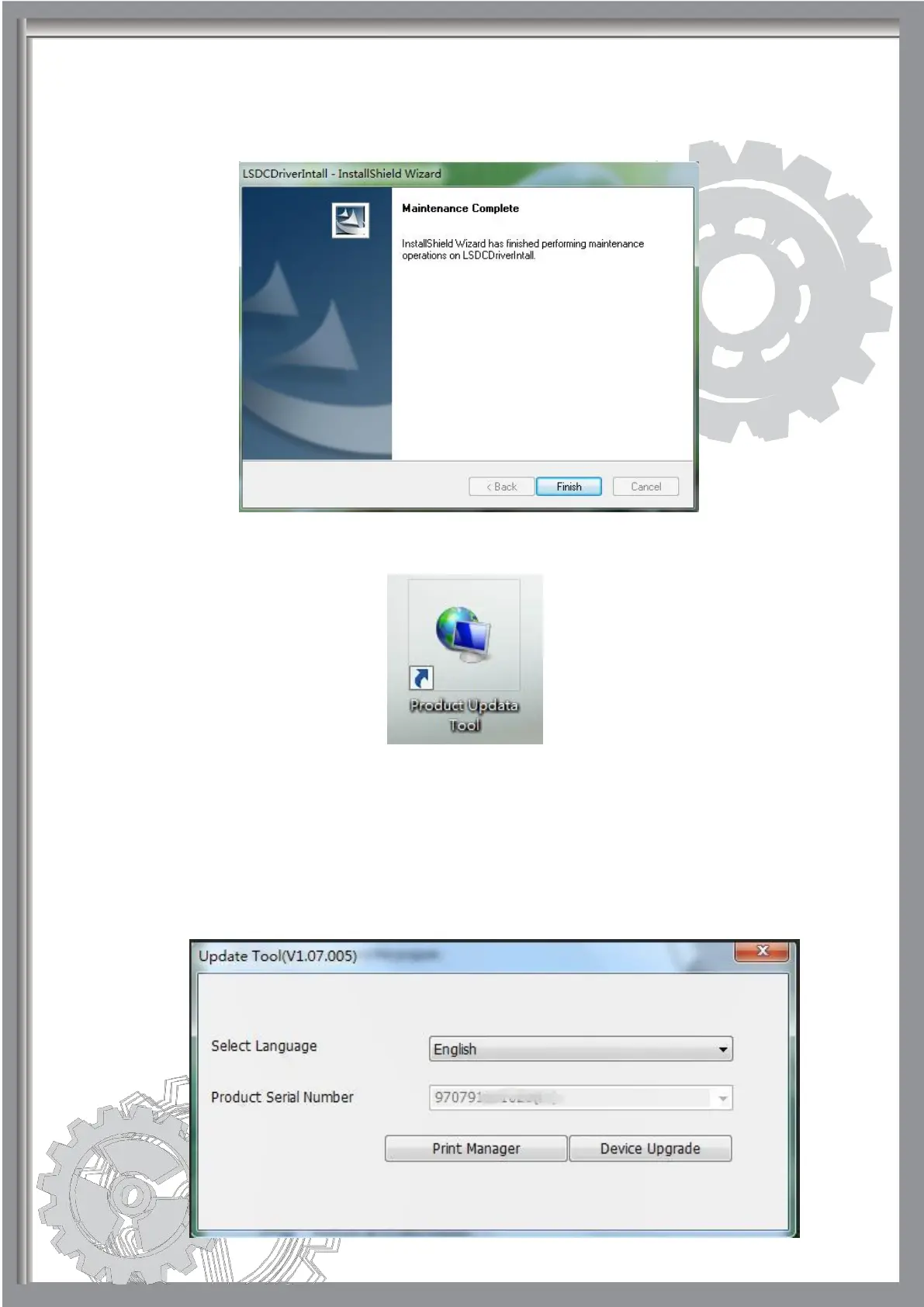
(2)
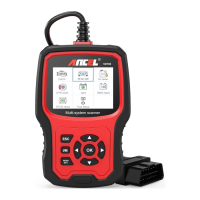
Step 5: Find this software on your computer and open client software “Product
Update Tool”.
Step 6: When you see this page below, please pull out the memory card from the
device and insert it into its reader, then connect the TF card reader to your PC
port, the "Product Serial Number" will be read automatically, you don't need to
type it. Hit [Device Upgrade].


 To Next Page